Follow these steps to add an activity to a package:
- In Remote PO Activities, select the package you want to add an activity to.
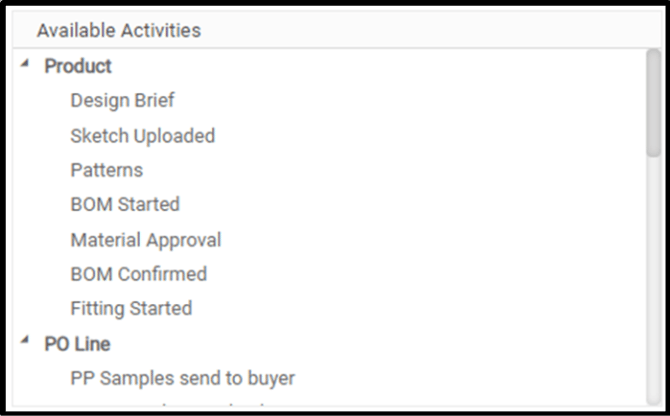
- Open the Activities tab and locate the Available Activities section.
- Click EDIT.
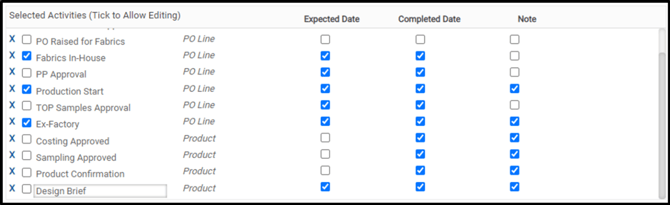
- Double-click the activity you want to add, such as Design Brief.
The activity moves to Selected Activities, confirming that it has been added to the package.