Purpose & scope
This article explains how to update the Working Group assigned to an activity within a Critical Path template in VisionPLM. Use this process when a different Working Group needs to be assigned automatically to specific Critical Path tasks.
Instructions- In VisionPLM, open the Maintenance area.
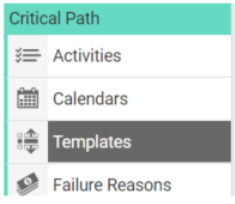
- In the left-hand menu, under Critical Path, select Templates.
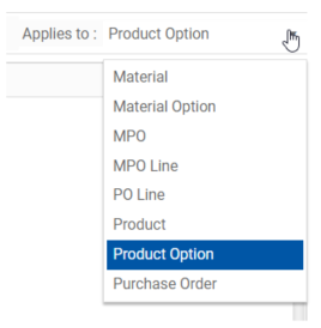
- Use the dropdown menu in the top-right corner of VisionPLM to select the area containing the template you want to update.
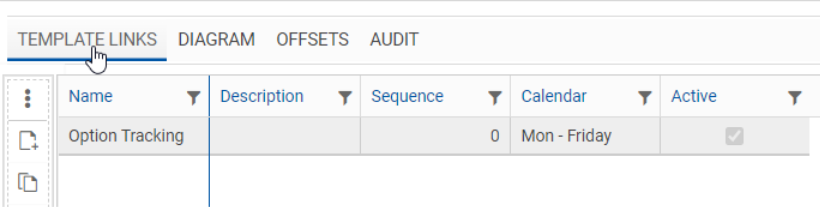
- Highlight the required template, then click TEMPLATE LINKS at the top of the page.
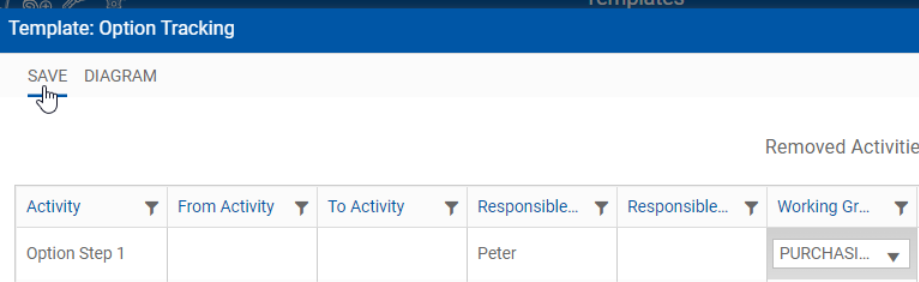
- Locate the activity you want to update, then double-click its cell in the Working Group column.
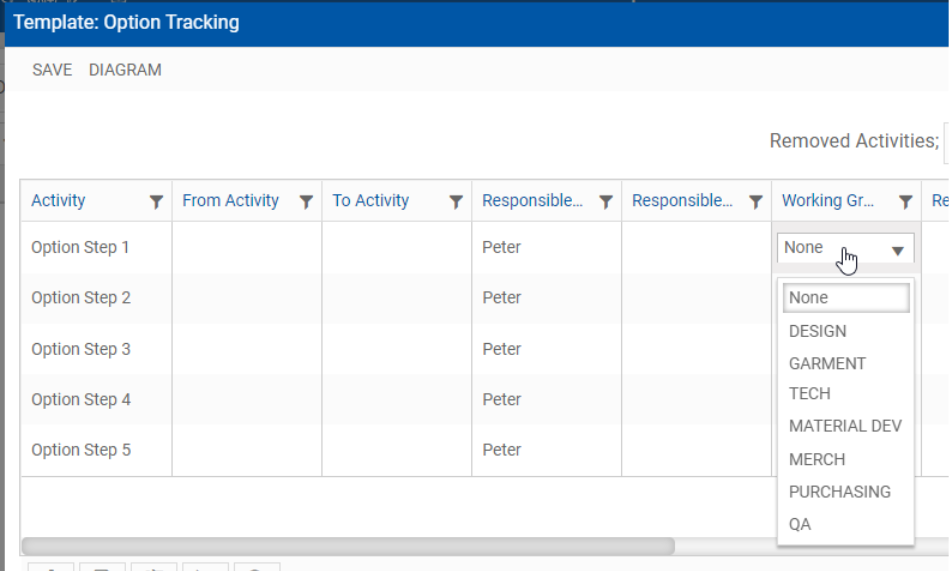
- Change the Working Group to the required group, then save your changes.