
Article Public Number: KA-01343
Coats Digital Knowledge Article
Product: FastReactPlan
Purpose & Scope:
A guide explaining how to set up routes within FastReact
Solution:
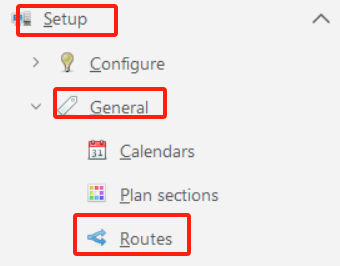
Click Setup > General > Routes to create routes.
Instructions:
Each planning resource can be associated with defined production Routes. This allows the rate of production or load on capacity to be determined by the defined work content of the Product for that Route. In addition, if a Product has zero work content for a specific Route then it cannot be loaded to a planning resource that uses this Route.
1. Go to Setup > General > Routes.
The following dialog box will appear:
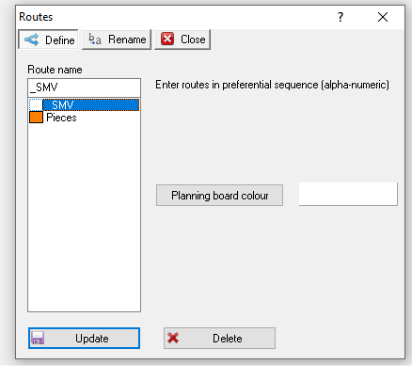
2. Enter a route called ‘Normal’. This will be used if the orders are planned in non automated lines.
3. Enter the second route called ‘Automated’. This will be used if the order is planned on an automated line.
Outcome:
Routes could be created by following above instructions.
Further reading:
Links to related articles