
Article Public Number: KA-01279
Coats Digital Knowledge Article
Product: FastReactPlan
Purpose & Scope:
This article will guide you through what to do if you are presented with the below error message:
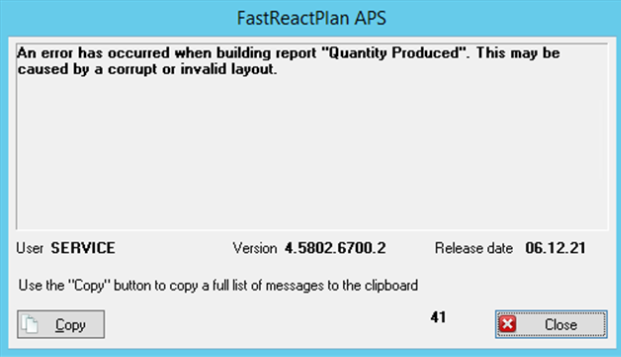
Instructions:
Go to your Activity Scheduler and take a screenshot of all the scheduled times and days that the required report is set up to run as this will need to be set back up later: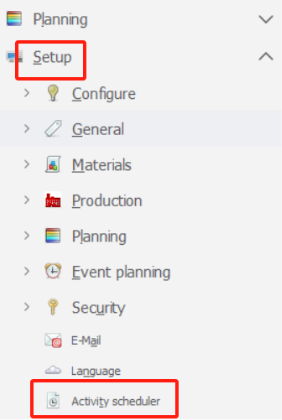
Next, untick the scheduled times for all of that report (this is why screenshots have been taken and saved) so that all are blank: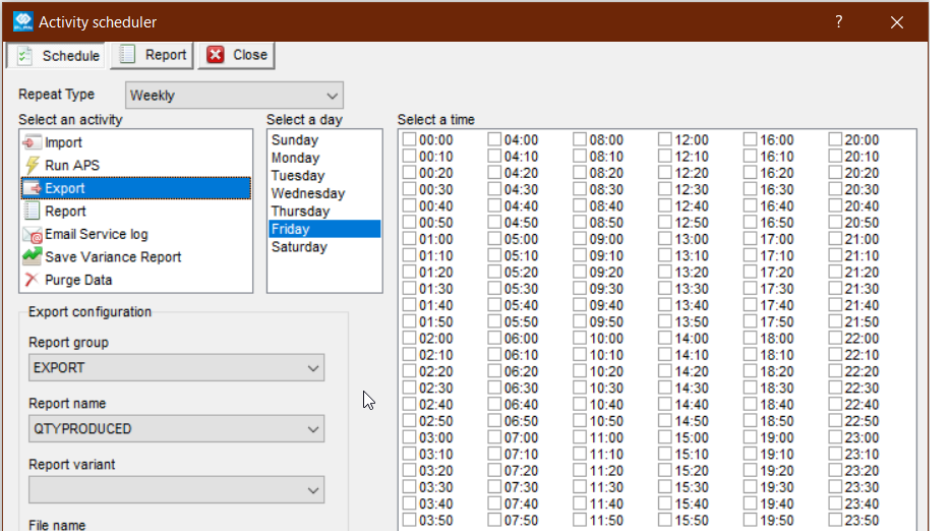
Next, select the Report tab and double-click on all the lines that say Export: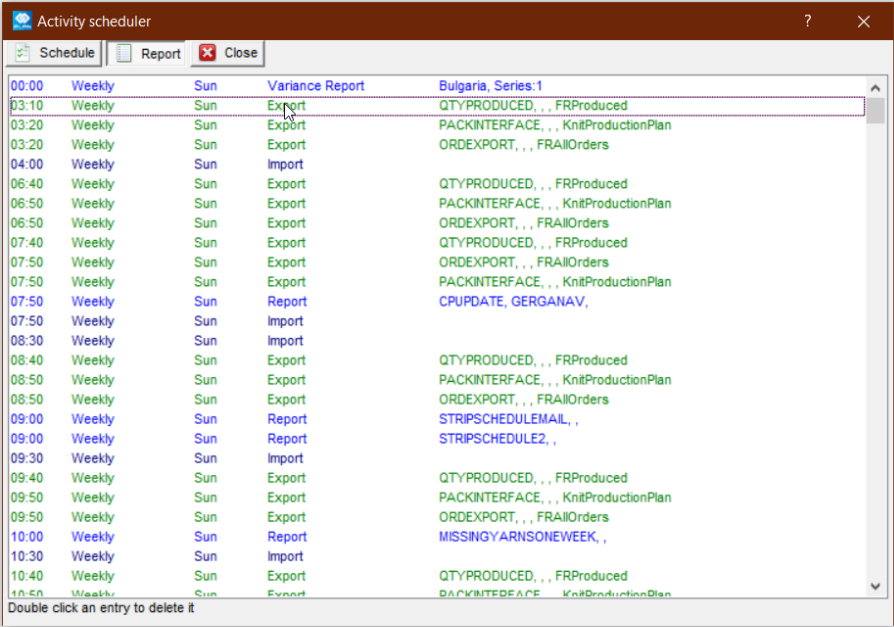
You will only be able to do one line at a time: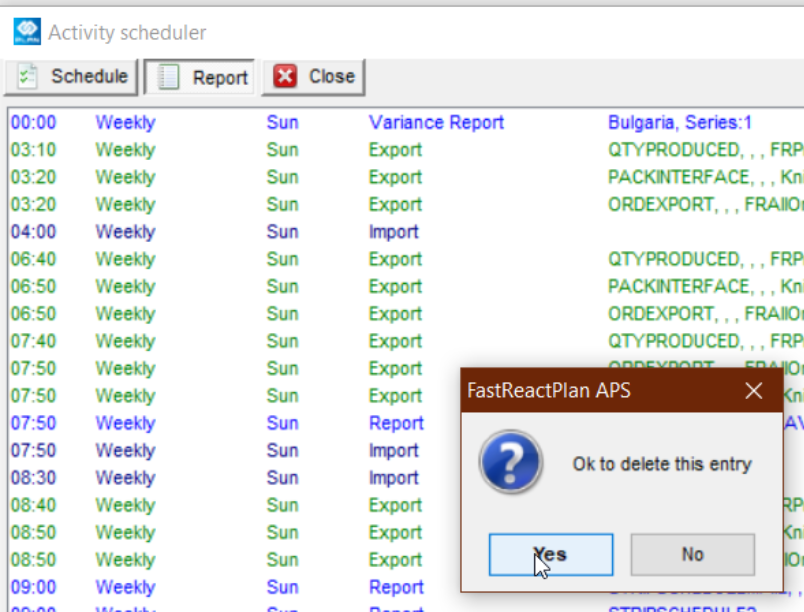
You should then be left with just the other entries: 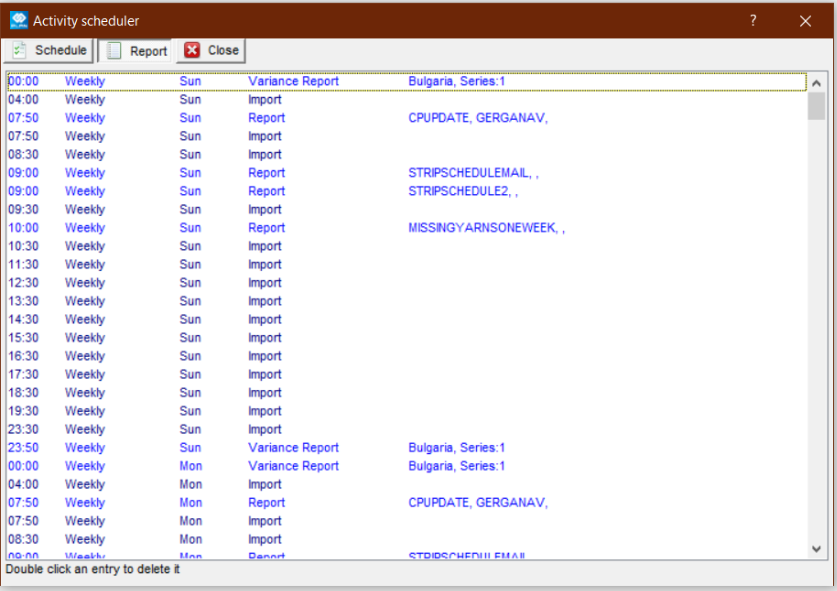
Next, you need to go back to the Report set up and click in the white space under <Standard> to set the report back up: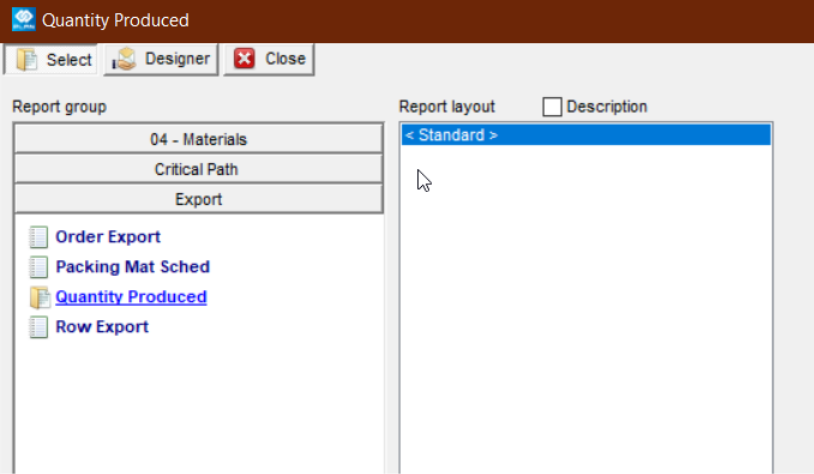
Set the report back up ensuring that you have given it a name (or it will NOT run) and then set the scheduler back up so that it runs when required (referring back to your screenshots).