
Article Public Number: KA-01362
Coats Digital Knowledge Article
Product: FastReactPlan
Purpose & Scope:
The error that "Cannot find item XXXXX in the cache..." happen while system was loading data from the database, which finally lead to login failure.
Solution:
In this article, this error result from the deleted product which has been attached to an order. Therefore we have to run the following script to change the attached product firstly
update _ORDERS set product_id = where order_id =
Instructions:
Step 1 : When seeing below, clicking on "Copy" below to get the detail error message 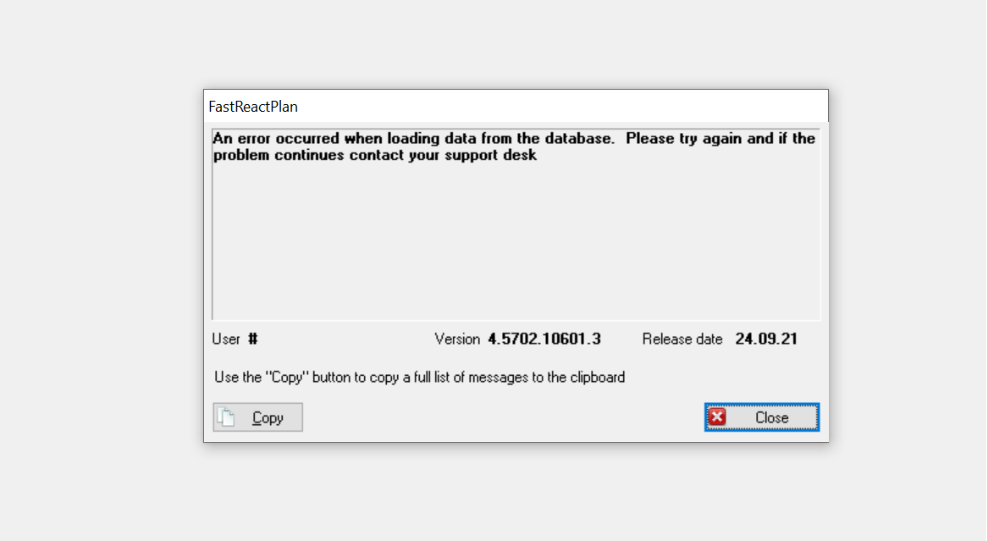
Step 2 :If we click the copy button,we will get the below information:
...............................................................................................................................
Message for user # on 31.10.22 20:51:10
Cannot find item 15809 in the cache
function TdmFastCache.Find(15809)
function Product_GetById
function Common_GetValidStagesForProduct
function Common_GetValidStagesForOrder
function FRPLANKERNEL_CheckOrderBalances(282696)
function FRPLANKERNEL_VerifyPlanDataIntegrity
procedure PlanKernel_VerifyPlanDataIntegrity
procedure Kernel.LoadCacheData
An error occurred when loading data from the database. Please try again and if the problem continues contact your support desk
Version 4.5702.10601.3 Release date 24.09.21
...............................................................................................................................
Step 3 :After checking, we will find that #15809 represent the product_id, and #282696 is the Order_id, The reason why this error happened was that the product attached to the order was deleted by mistake, therefore we have to revise the product of this order by running script
Step 4 :Run the script below to cancel above illegal attached relationship:
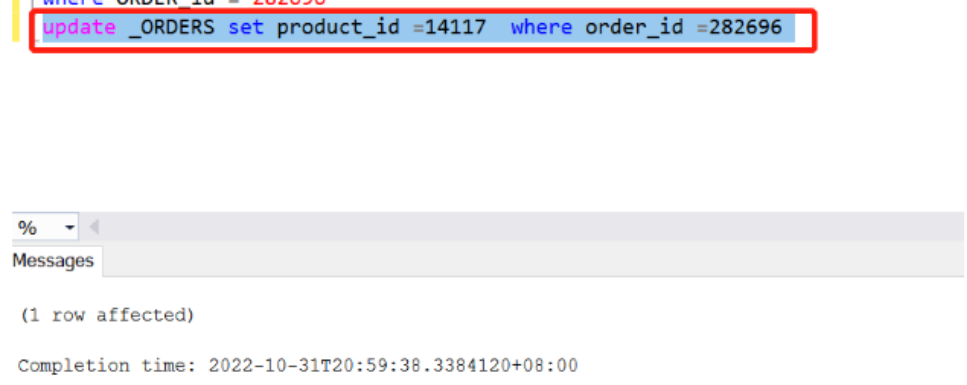
Note: when we try to run above script,we have to back up the database firstly and also inform all users to log out FRP system.
Step 5 :We are able to log in FRP again 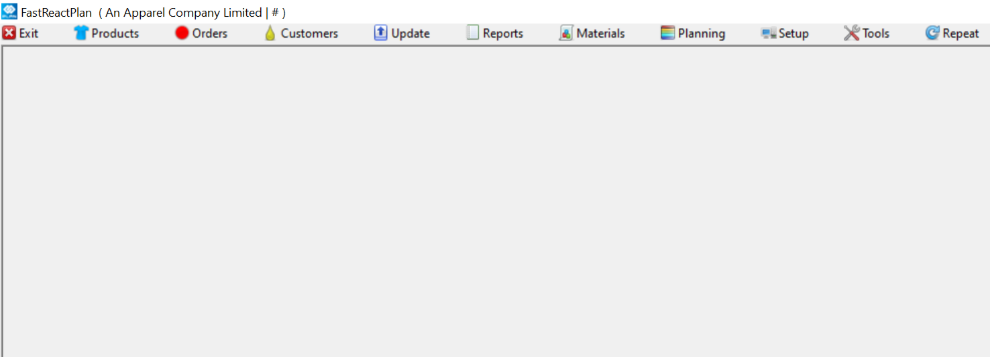
Outcome:
Once the illegal attached relationship has been updated via the script, users now are able to log in FRP again.
Further reading:
Links to related articles