
Article Public Number: KA-01501
Coats Digital Knowledge Article
Product: FastReactPlan
Purpose & Scope:
Occasionally when opening the High-Level Plan Load List, the user may be faced with "missing" columns and be unable to Load Orders/Strips to the High-Level Board. In most cases this is perfectly correct.
Solution:
On the High Level Planning board the user will see the Load List icon in GREEN:
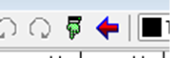
This indicated that there are no Orders/Strips at, High Level, that need to be planned there and the Load List is empty. The user will be faced with a dialog like below: 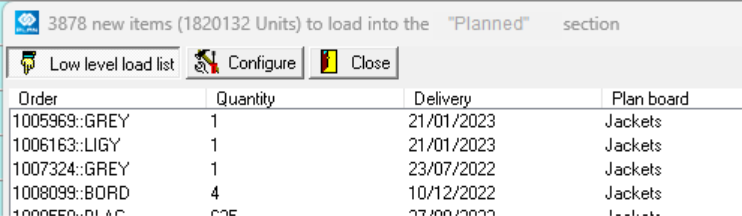
Notice that the Load List is now just a list of Low Level Orders/Strips and that there are no "Select", "Load Orders" or "Print" buttons.
When there are Orders/Strips in the High Level Load list, it will look like this: 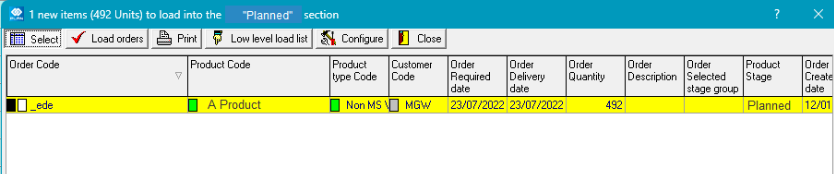
Outcome:
This is actually a sign of good Planning, all Orders/Strips have been planned and the High Level Load List is empty.
Further reading:
Links to related articles