
Article Public Number: KA-01238
Coats Digital Knowledge ArticleProduct: FastReactPlan
Drop Down Row Display
Orders Rotation
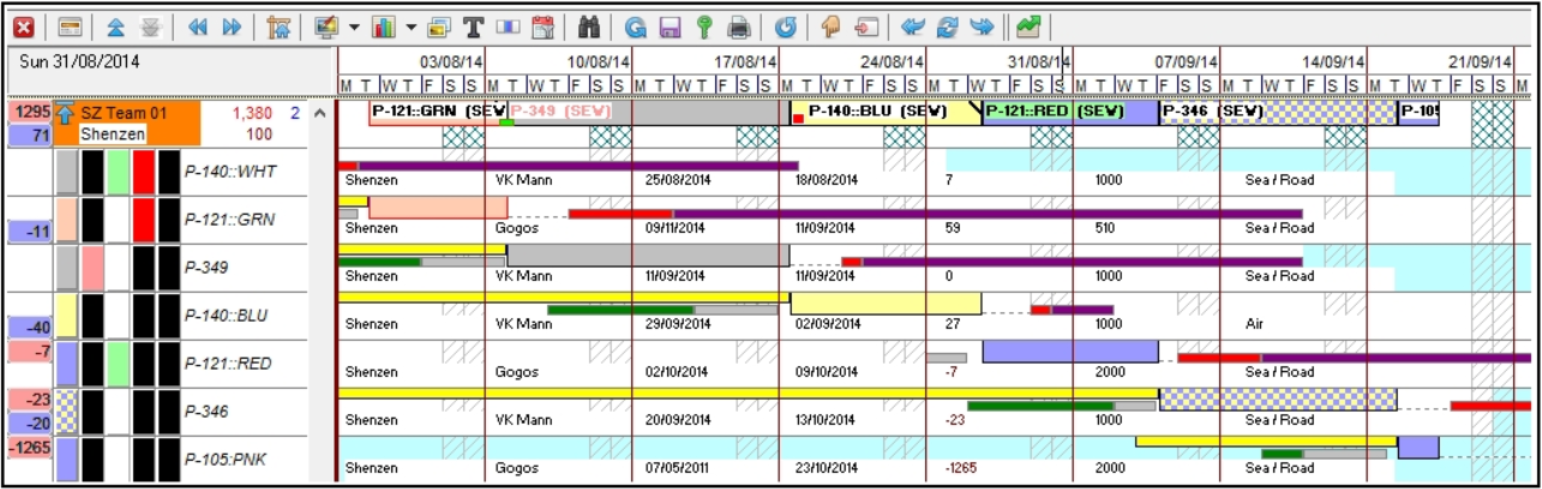
Strip color defination
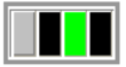
1. The first of four blocks defines the strip colour as its displayed on the board
2 .The second block shows the text colour of the strip on the board
- Back text = No learnin curve
- Red text = Learning curve
3. The third block represents the text background colour. This will appear green if the strip is planned at a lower efficiency then defined on the strip colour setup
4. The fourth block represents the strip boarder
- A black boarder = No WiP issues
- A red boarder = WiP issues
Product detail / Order colours
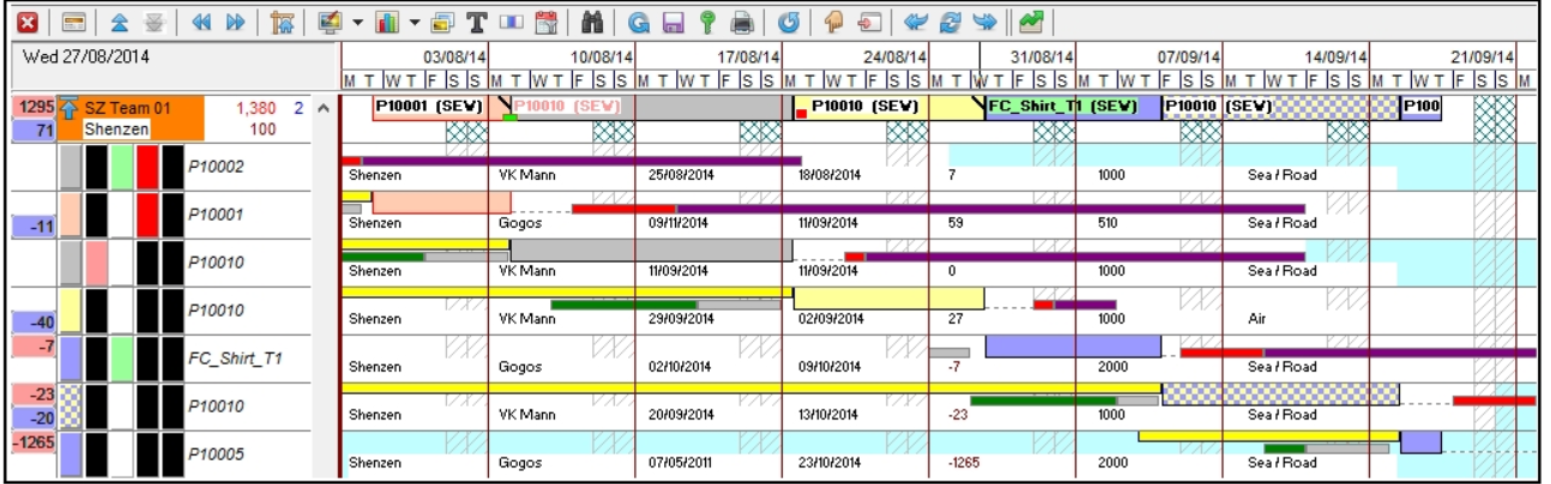
The blocks of colour all represent the same as for the Order Rotation. The only difference here is that the Product details and the Order colours are displayed on the strip.
Product Rotation
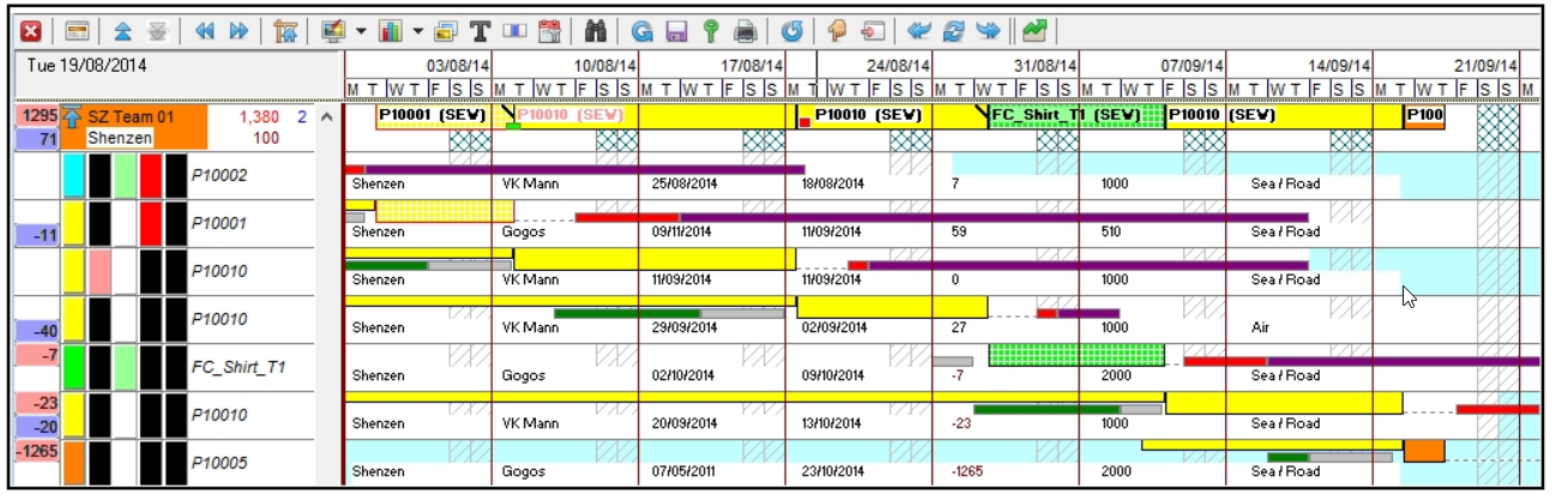
The blocks of colour all represent the same as for the Order Rotation. The only difference here is that the Order Code has been replaced by the Product Code on the strip.
Product Type Rotation
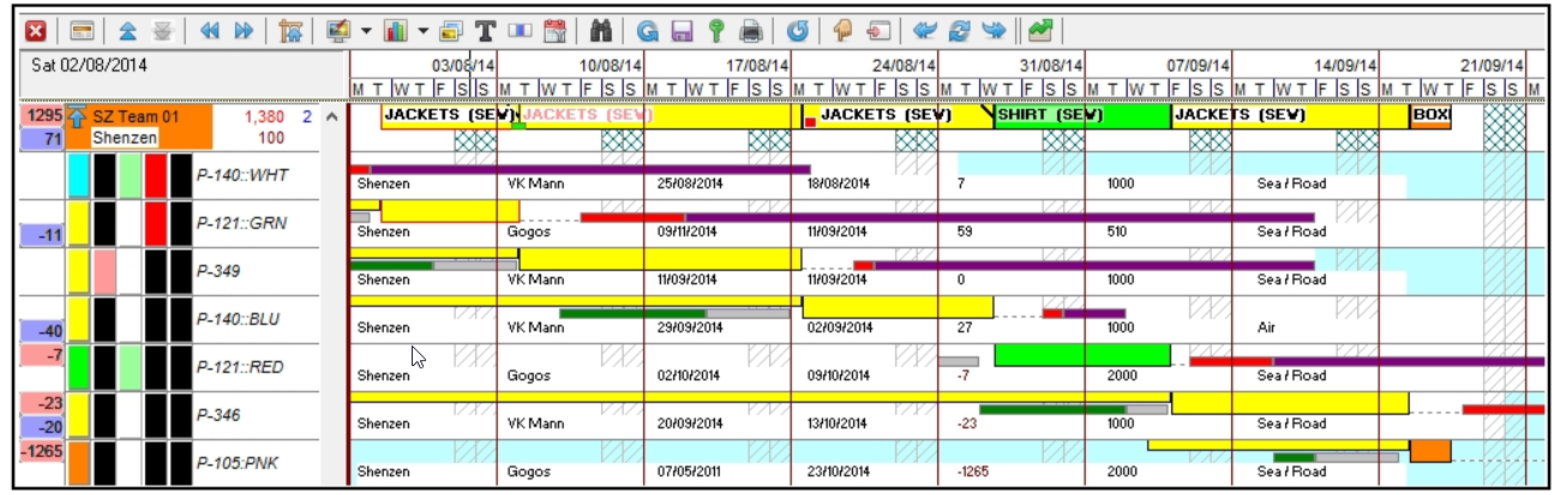
The blocks of colour all represent the same as for the Order Rotation except the first block which represents the Product Type colour.
Customer Rotation
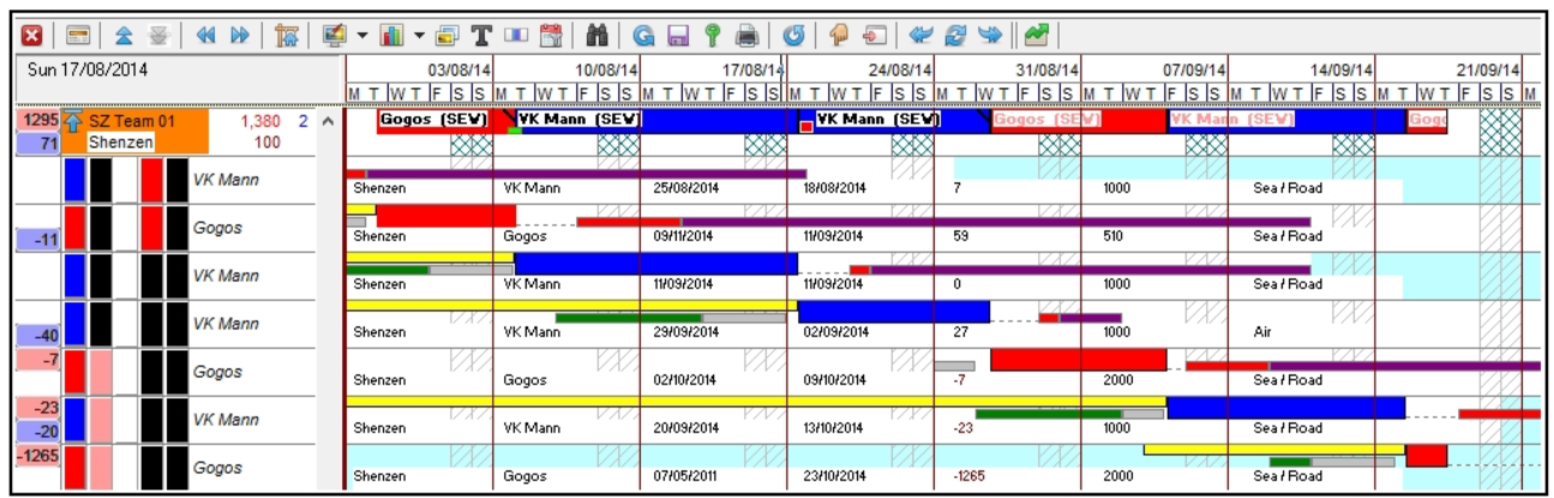
The blocks of colour all represent the same as for the Order Rotation except for the first block which represents the Customer colour.
Delivery Rotation
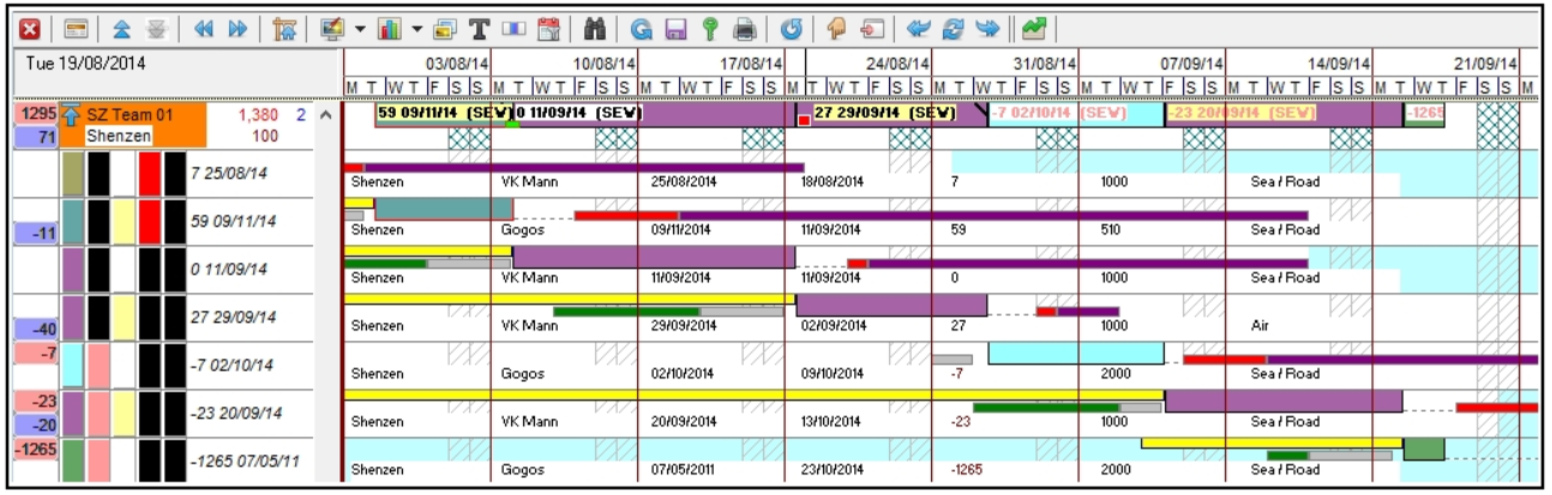
The blocks of colour all represent the same as for the Order Rotation except for the first block which represents the Delivery Month colour.
Materials Rotation
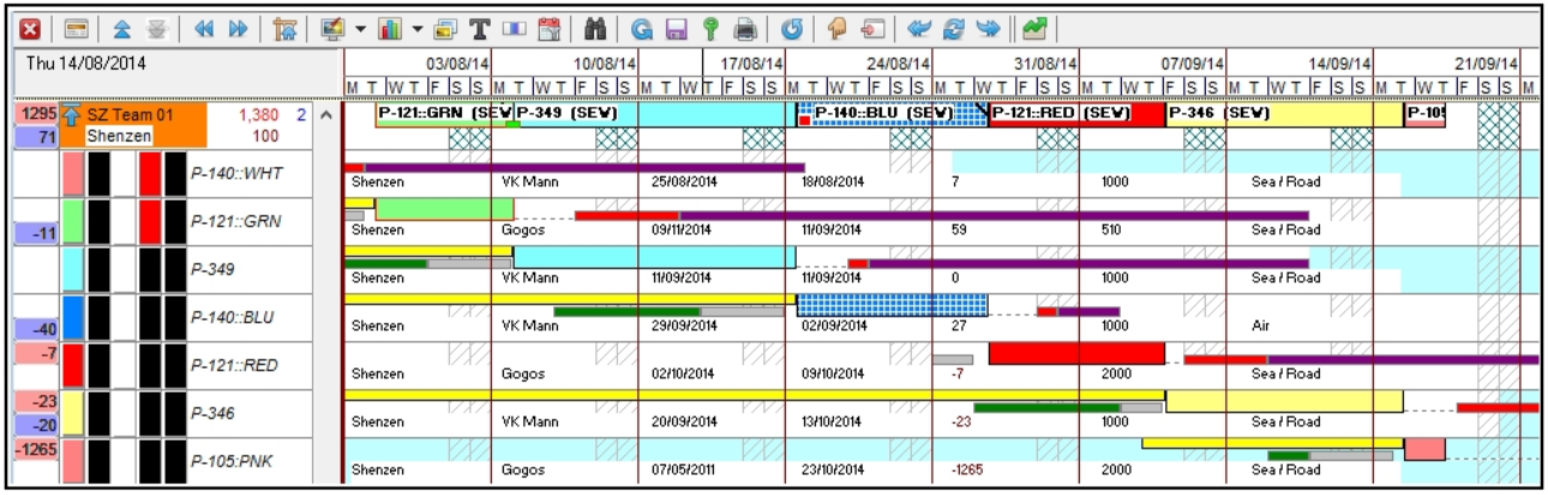
The blocks of colour all represent the same as for the Order Rotation except for the first block which represents the Order colour if set on Orders Add/Amend dialog.
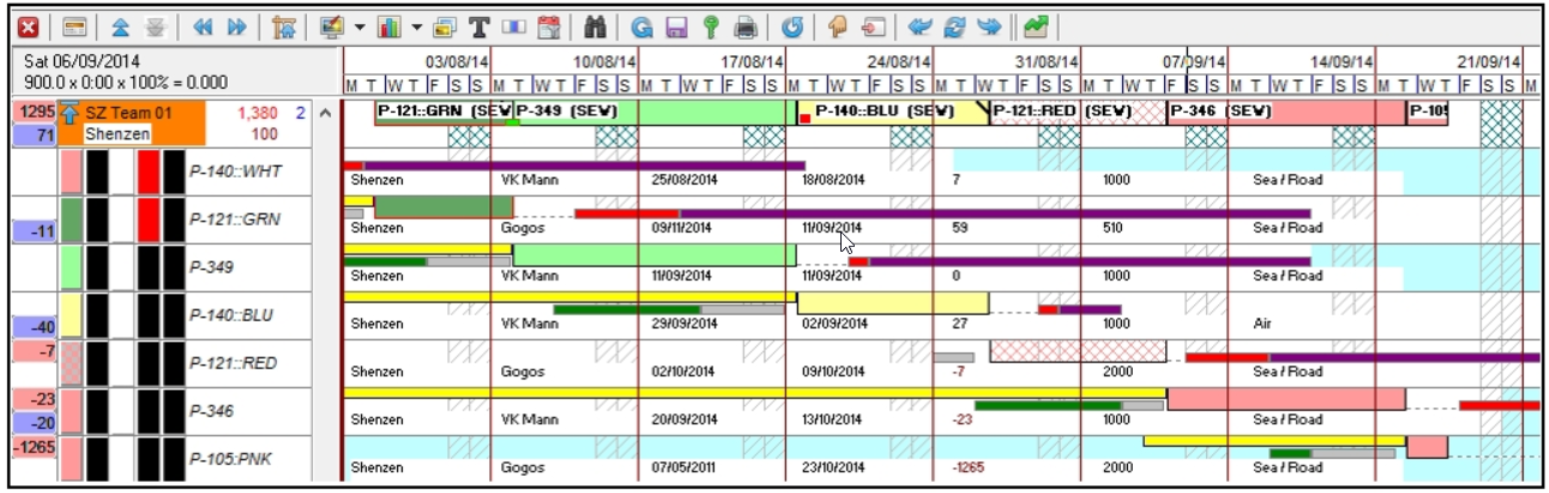
The blocks of colour all represent the same as for the Order Rotation except for the first block which represents the Materials colour. For details of the materials colours please see here.
Reservation
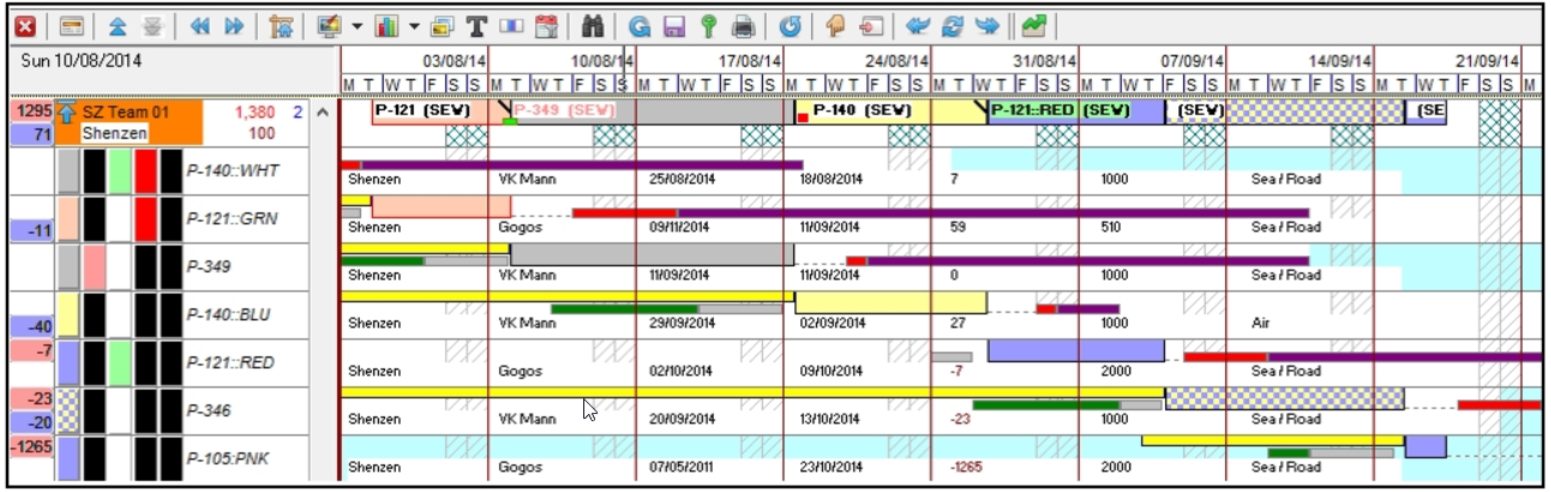
The blocks of colour all represent the same as for the Order Rotation. The labels on the strip relate to the Reservation reference.
User Defined Rotation
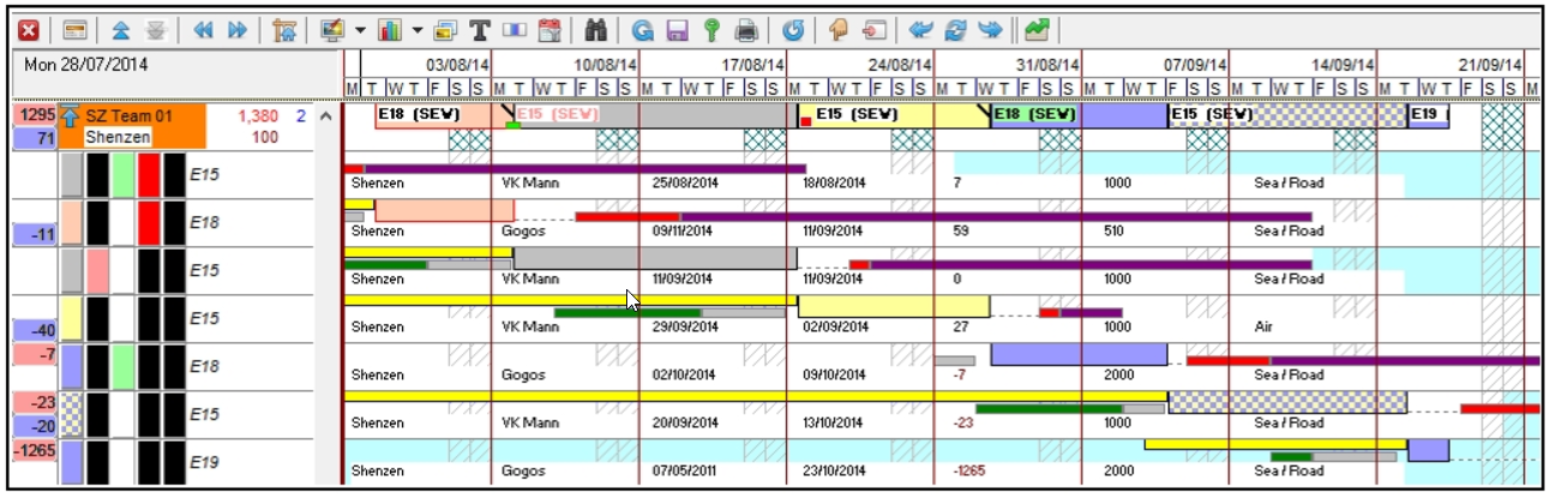
The blocks of colour all represent the same as for the Order Rotation.
Event status
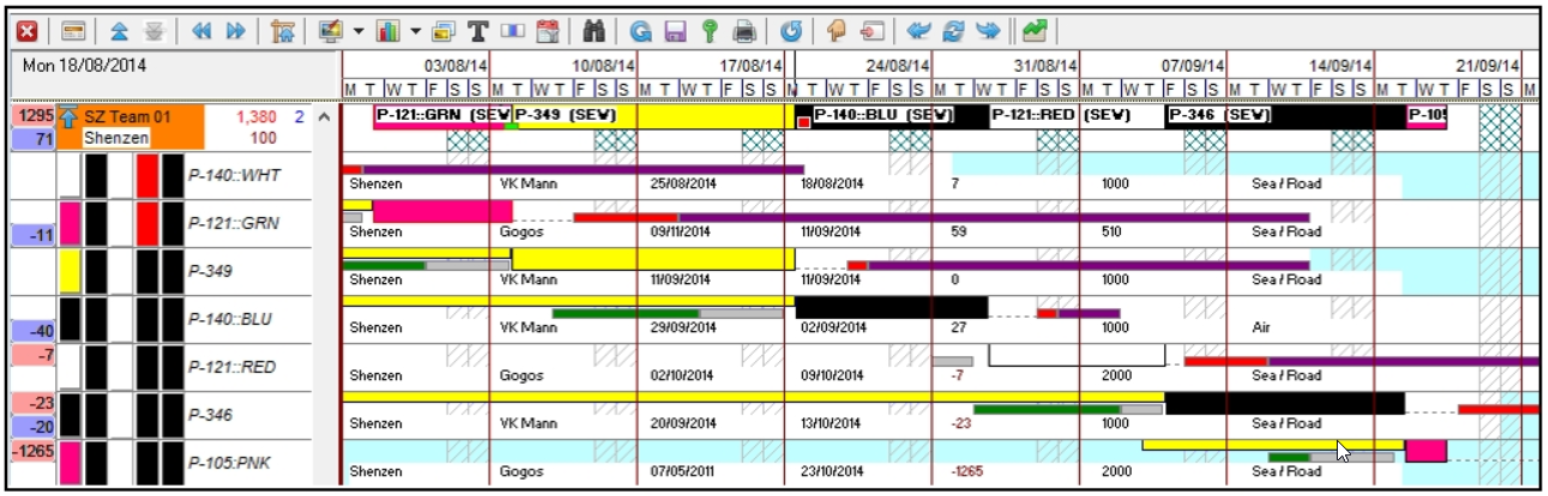
The blocks of colour represent the Event status colour as defined on the Events setup dialog.