
Article Public Number: KA-01344
Coats Digital Knowledge Article
Product: FastReactPlan
Purpose & Scope:
How FastReact can be set up to use the specific Usernames to Log in.
Solution:
Right-clicked FR program>Click Properties> Entry necessary info in Target.
Instructions:
Step 1:Right-clicked FR program>Click Properties.
Step 2 : Entry Server name & Database Name & User Name & Password in the [Target].
eg: C:\FRP\FRP_5.1201.3400.\FR5.exe SV:ASCNSZL96511666\SQL2019 DB:APPAREL2025 UN:SERVICE PW:xxxxxxxx
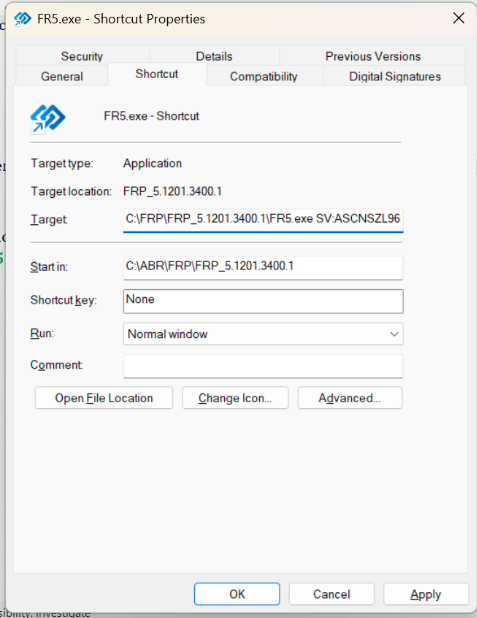
Step 3: When clicked the shortcut which we have created for the specific username eg: Service account. Service account could be logged in automatically.

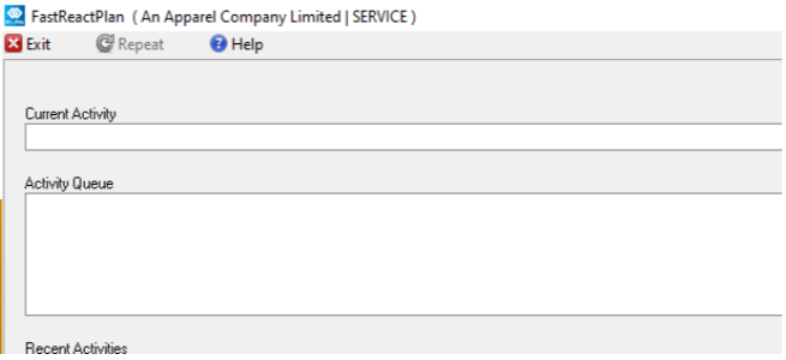
Outcome:
Specific usernames could log in by one click of FR program following above instructions.
Further reading:
Links to related articles