
Article Public Number: KA-01236
Coats Digital Knowledge Article
Product: FastReactPlan
Purpose & Scope:
How plan user can allocate order to LLPB while they do not have HLPB
Solution:
Use function "Allocate to Plan" to assign order to LLPB
Instructions:
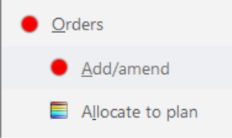
Step 1: Go to Order > Allocate to plan
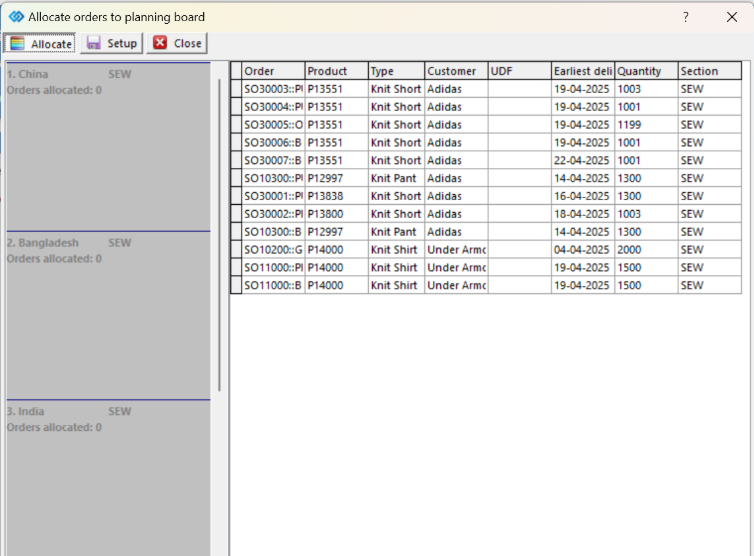
Step 2: The window below will be opened,user can filter the order by product/ customer/UDF for selecting easily.
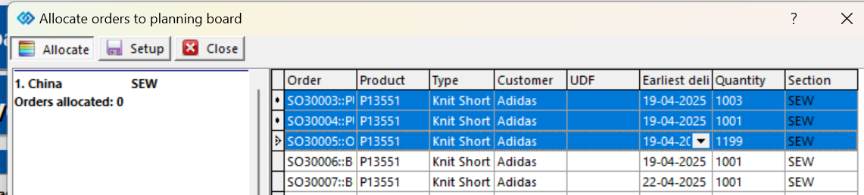
Step 3: Select orders by Ctrl+Click or Shift+Click, then drag and drop these orders to planning board you want
Step 4: After allocating, the window will show number of orders were allocated on each LLPB
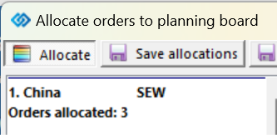
Step 5: Go to Tab "Save allocations"
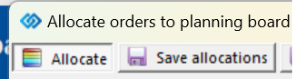
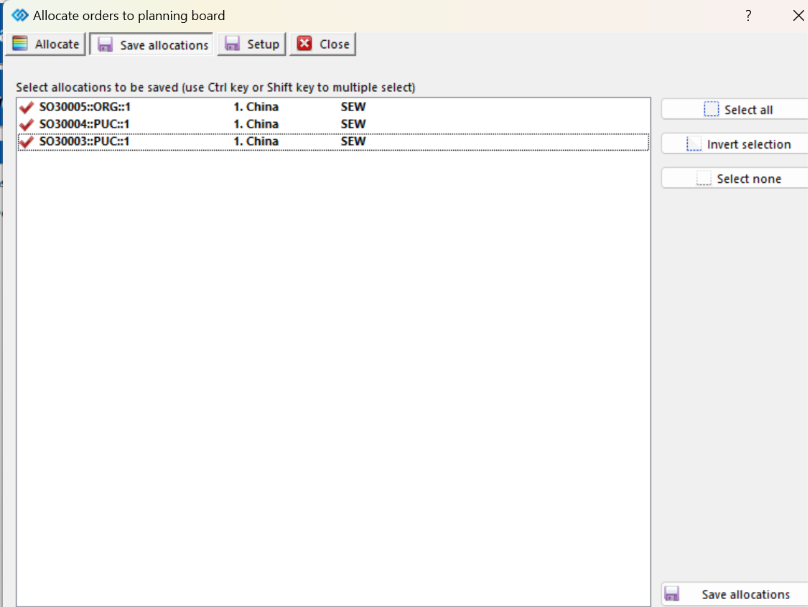
Step 6: Select all orders/ some orders were allocated as list, click on "Save allocations" to apply the allocation.
Outcome:
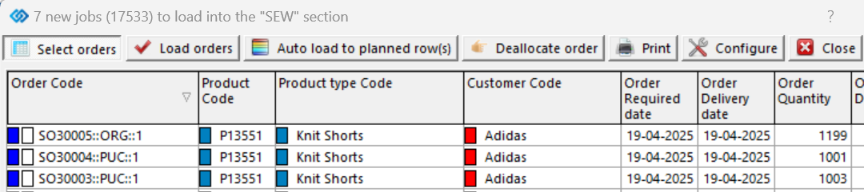
Open China planning board, go to Load list, 3 orders were allocated in China PB already