Article Public Number: KA-01240
Coats Digital Knowledge Article
Product: FastReactPlan
Purpose & Scope:
Sometime one user cannot use planning board because there are another user in planning board.
Solution:
Check which user is opening the planning board and clear. Clear function just can be done by user have administrator right
Instructions:
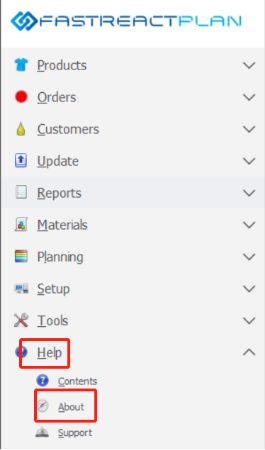
Step 1: Go to Help -> About
Step 2: Select "Logged on users"
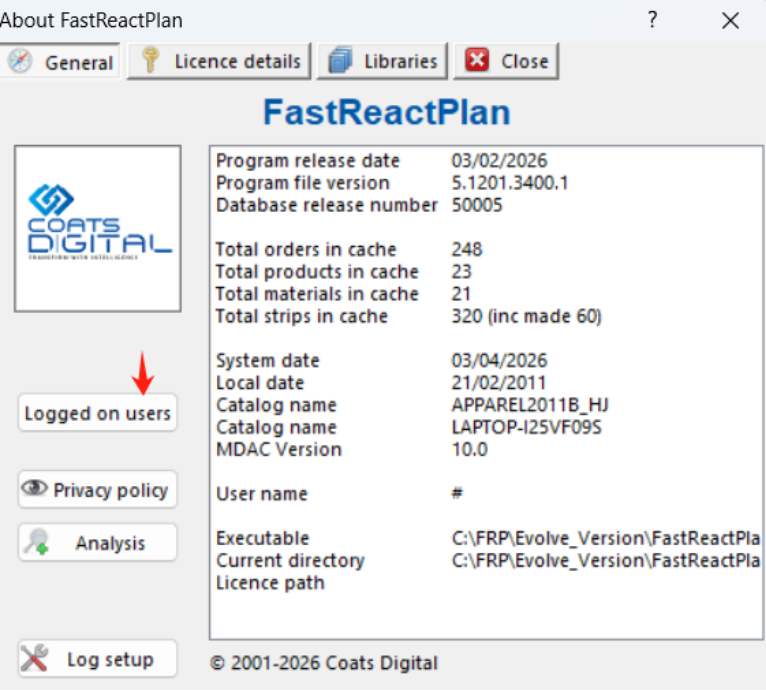
Step 3: The window as below image will pop up
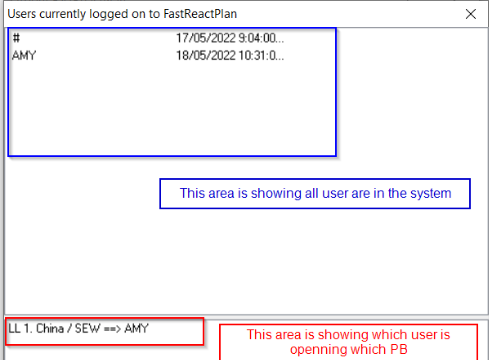
User AMY is opening China LLPB, if you want to clear user AMY (you should inform user before clearing him/her to avoid all adjustments on PB haven't been saved yet)
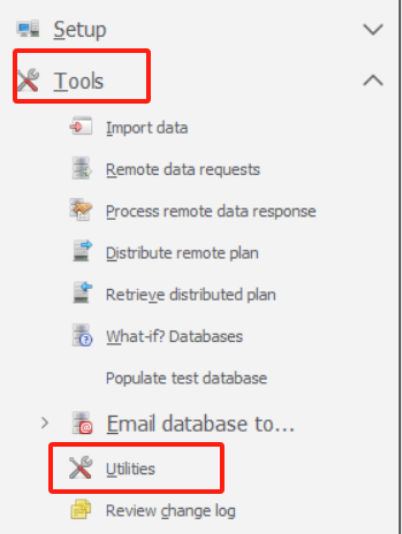
Step 4: Go to Tool > Utilities
Step 5: In tab Maintenance, click on drop down list of Clear user logon to select the user you want to clear
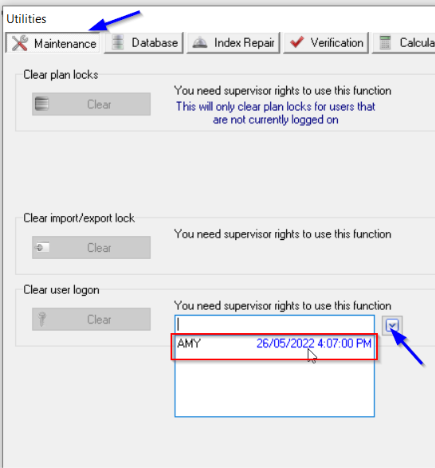
Step 6: After select user Amy, click on button Clear

Outcome:
Window below will be shown after clicking on Clear button
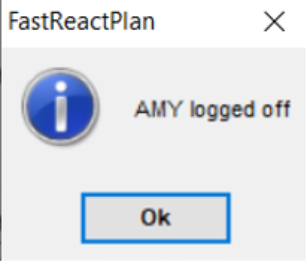
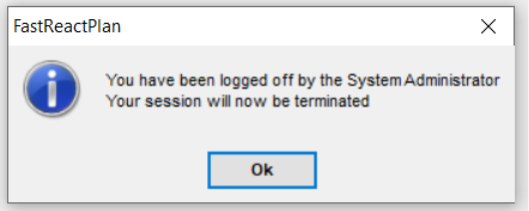
And on Amy's machine will pop up the window as below