
Article Public Number: KA-01529
Coats Digital Knowledge Article
Product: FastReactPlan
This SOP provides an overview of the Report Export functionality in FastReactPlan. This functionality allows the User to export report setup files from the FastReactPlan system.
Exporting
You will be at least 2 files that make up the FastReactPlan report file visible in FRP:
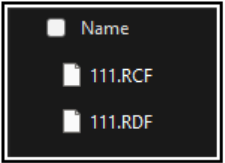
RDF - Report data file
There will only be one of these files, per report
RCF - Report configuration file
Each report may have multpile RCF files depending upon how many report variants there are of that report.
Save these files to a folder on the DeskTop.
Export the report
In FRP, navigate to the Reports menu option:
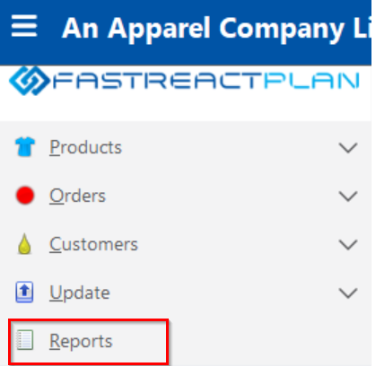
This will open the Report screen, click on the Designer button: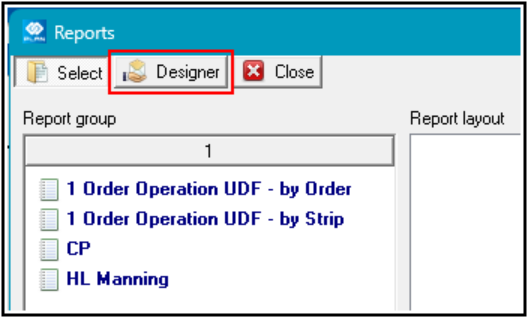
Click on the Import/Export button:
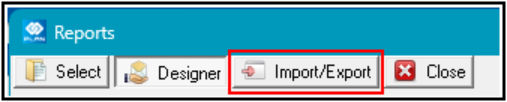
Browse to the folder where the report setup files will be saved to: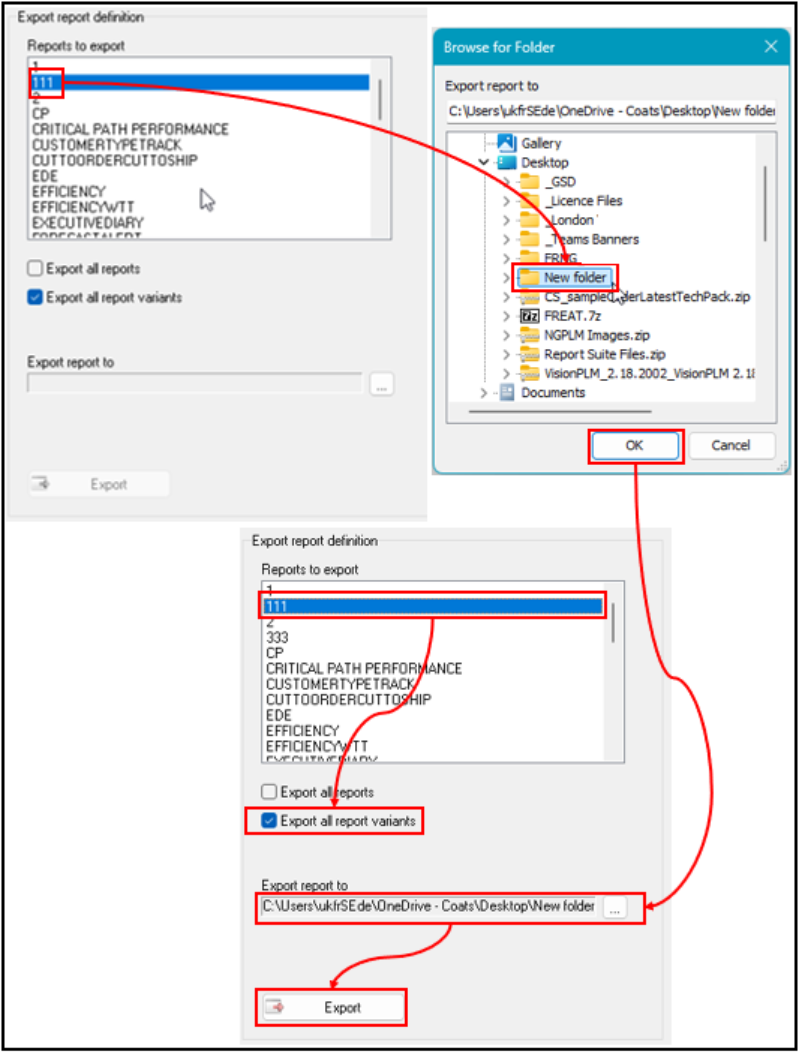
- Export all reports - select this option to export all the reports in the in the FastReactPlan system. If its not enabled, then only the highlighted report files will be exported.
- Export all layout variats - select this option to export all the report varients available in the FastReactPlan system. If it is not enabled then only the main variant will be exported.
- Export to - this is the selected location that the report setup files will be exported to.
Click on the Export button to start exporting the selected report setup files.