Article Public Number: KA-01164
Coats Digital Knowledge Article
Product: FastReactPlan
Purpose & Scope:
After creating new user, use groups should be created to define user belong which group and then setup rights for User Groups to allow user can access and use which function
Instructions:
Step 1: Go to Setup - Security - User security groups
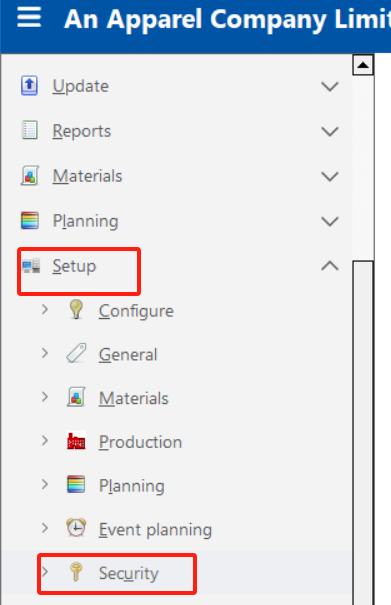
Step 2: In tab "Define", create Group name, select "Insert" button

Step 3: In tab "Users", choose "Sourcing" group, drag user in column "Unassigned users" then drop to column "has user members", then select "Update" button -> select "Close" button

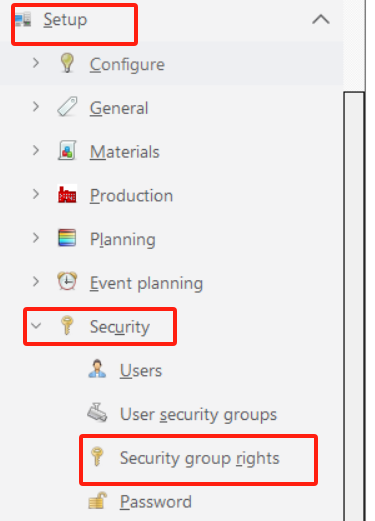
Step 4: Go to Setup - Security - Security group rights
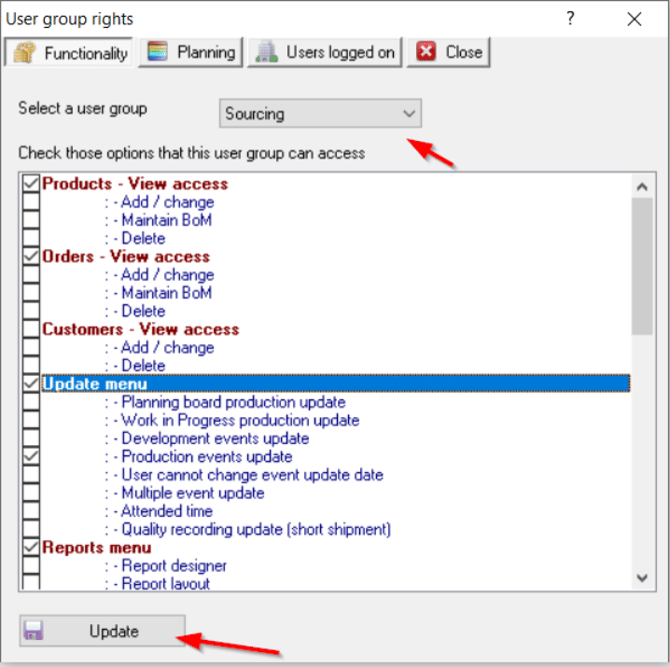
Step 5: In tab "Functionality", select a user group and choose the option that this user group can access, then select "Update" button
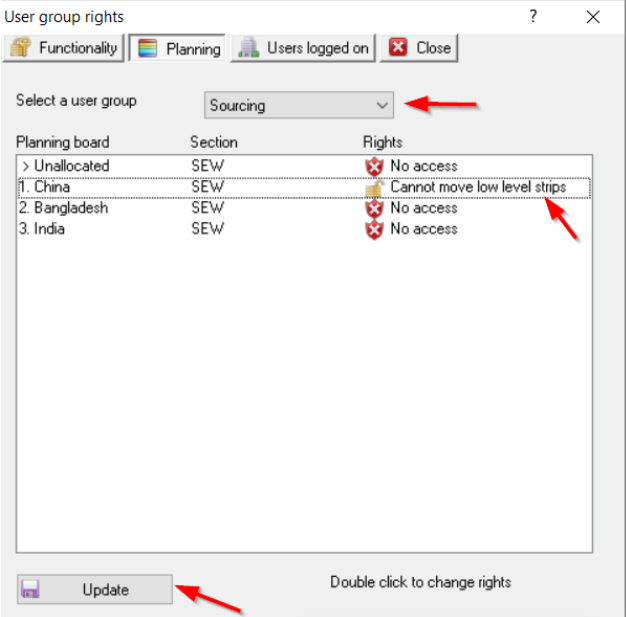
Step 6: In tab "Planning", Select a user group, double click on "Rights" column to allow this group can access or action on which planning board, then select "Update" button