
Article Public Number: KA-01193
Coats Digital Knowledge Article
Product: FastReactPlan
Purpose & Scope:
Allow planner to see daily operator on production line
Solution:
Use function Increase row height and Increase date scale
Instructions:
Step 1: Open LL planning board
Step 2: Click on button "Increase row height" and "Increase date scale" or Ctrl + Down and Ctrl + Right to extend the row height and date scale
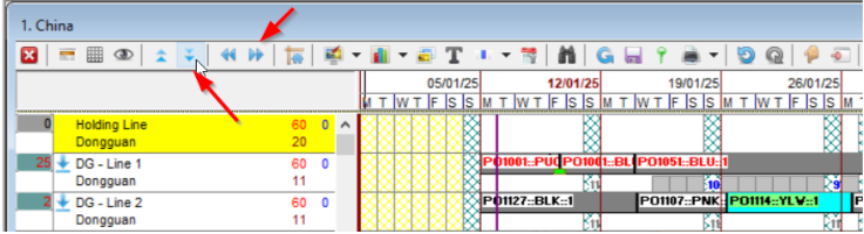
Step 3: Go to planning board, you will see the operator displaying daily as below

Outcome:
Operator now displaying for each production line on daily basis.
Further reading:
Links to related articles