Article Public Number: KA-01314
Coats Digital Knowledge Article
Product: FastReactPlan
Purpose & Scope:
When user wants an event to be completed automatically when the date is falling to the target date
Solution:
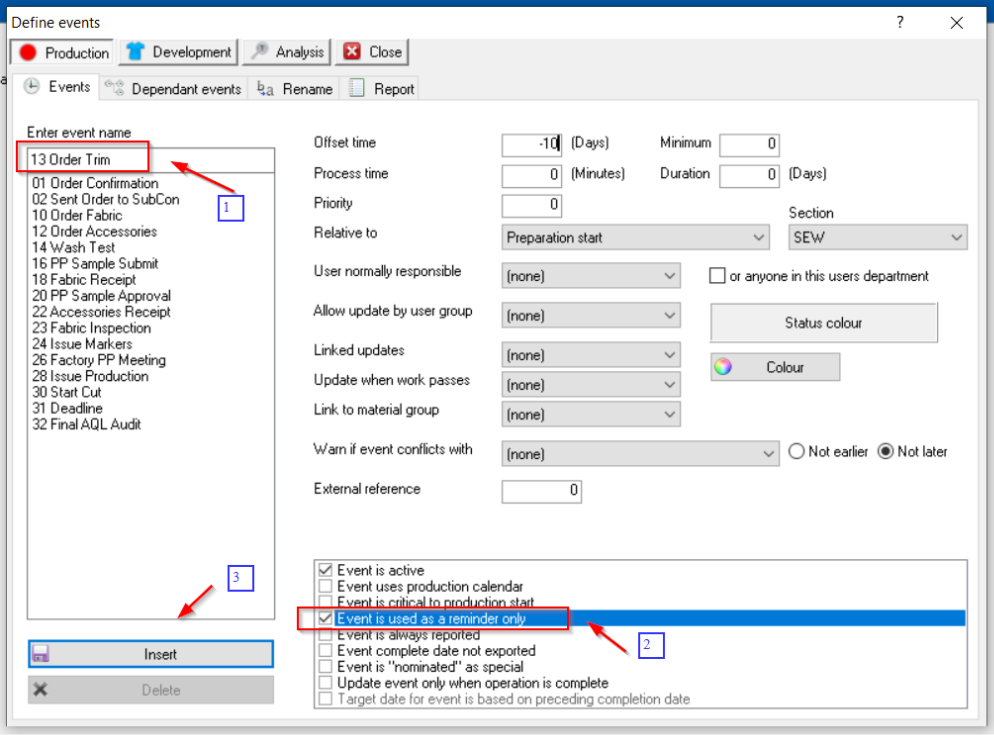
Enable option “Event is used as a reminder only” in event setup dialog
Instructions:
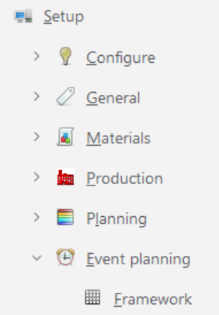
- Step 1: Go to Setup -> Event planning -> Framework
- Step 2: Create new event/ update existing event -> Tick on option “Event is used as a reminder only” -> select Insert/ Update
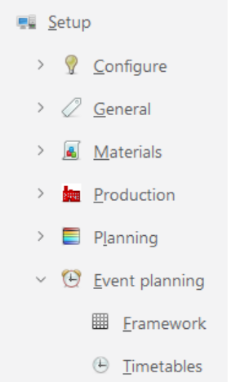
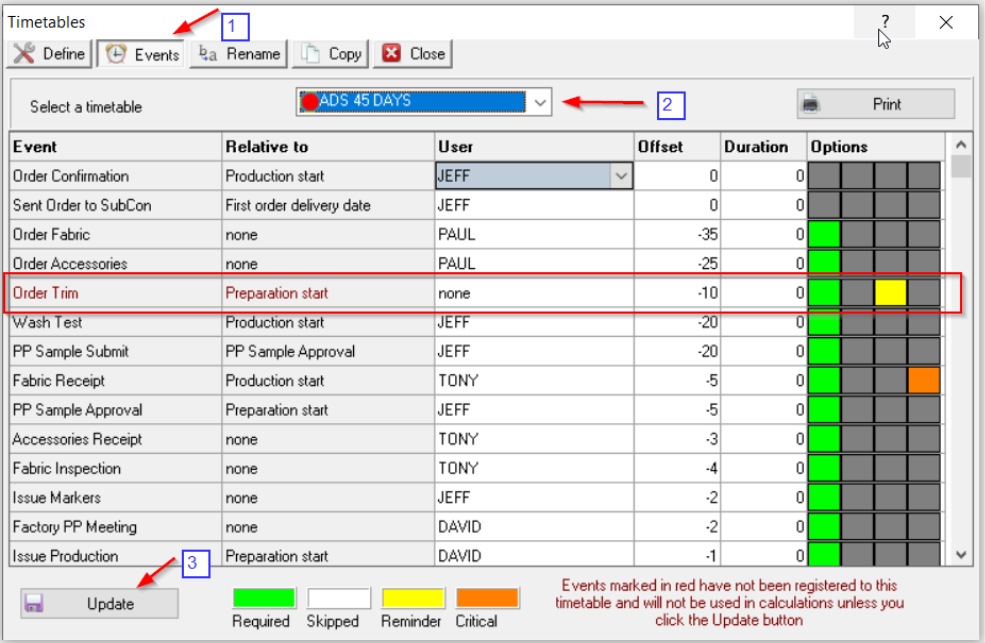
- Step 3: If the Event is created newly, need to go to Setup -> Event planning -> Timetables to update new event in existing Timetables
- Step 4: Go to tab Events -> select a timetable -> click Update
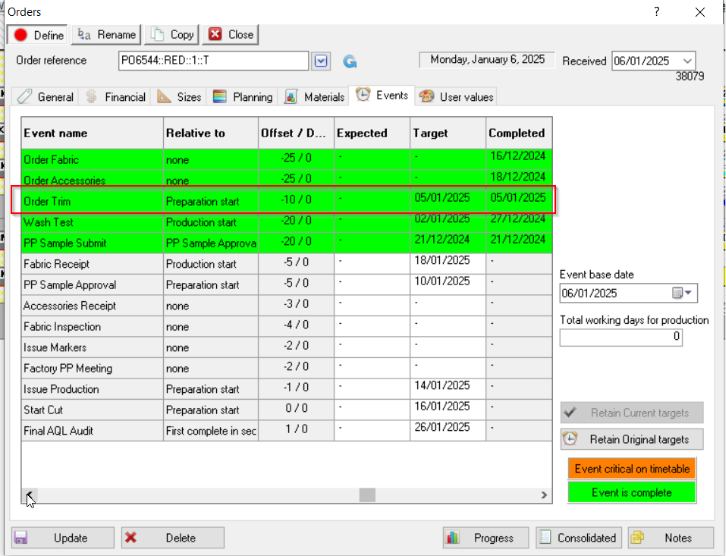
Outcome: - If the order is planned on plan row with target date of event “Order Trim” is 05/01/2025
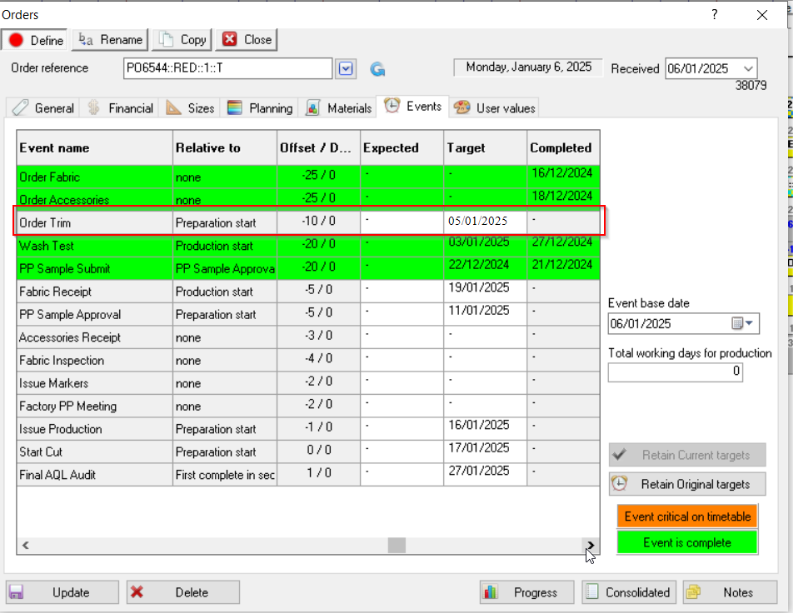
- So,when the date is falling on 01/05/2025, then event “Order Trim” will be competed automatically with date as 05/01/2025.