
Article Public Number: KA-01213
Coats Digital Knowledge Article
Product: FastReactPlan
Purpose & Scope:
Event date not only can be updated via import, but also can update event date for an specific order manually
Solution:
Update event date through events by item dialog
Instructions:
Step 1: Go to update=>events by item
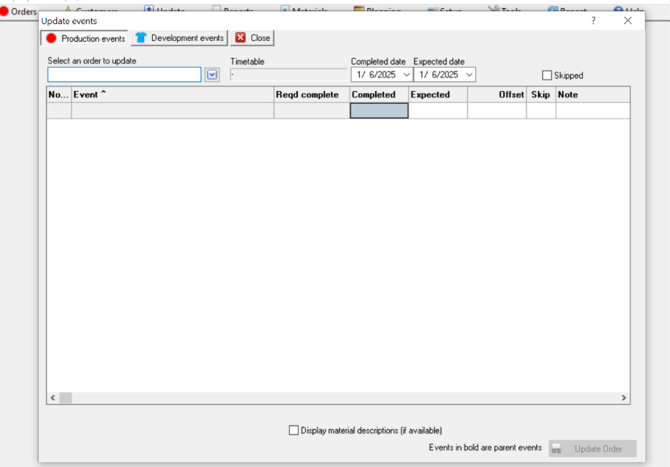
Step 2: Search the order code which need to be updated from search box
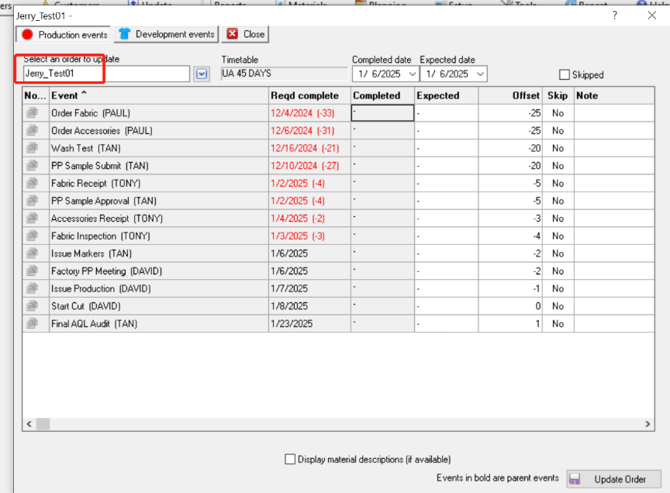
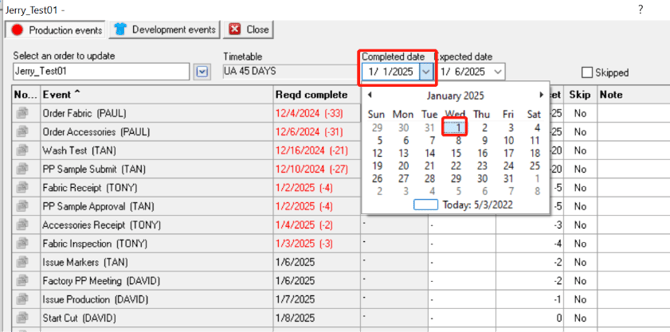
Step 3: Select the specific completed date or expected date as per user need firstly from date selection box
Step 4: Single left click in the completed column next to the relevant events to finish the date updating
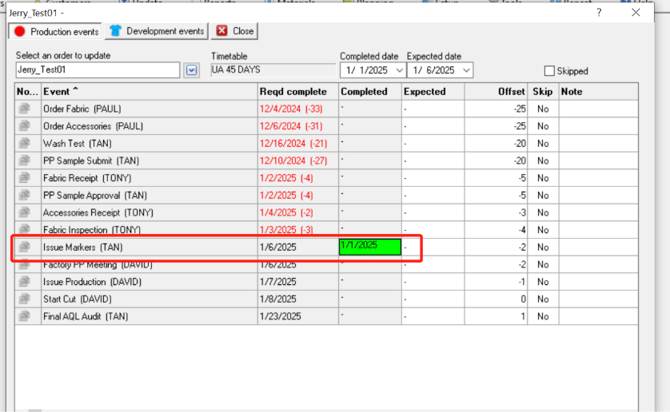
Step 5: At last, click the update order button at the bottom
Outcome:
Following above steps, we can finish updating the event date for a specific order by manual