
Article Public Number: KA-01359
Coats Digital Knowledge Article
Product: FastReactPlan
Purpose & Scope:
Clients can hold an “extension date” against an Order record, this allows the client to “Extend” the Delivery Date and relevant reason note when it is enabled.
Solution:
This delivery extension date can be maintained via interface file and allow to be updated manually in FRP directly by users.
Instructions:
Step 1: Create a test order named:Jerry_extension date_test in FRP
Step 2: Prepare an interface file to update extended delvery date for order
Notes: Extended date and refence in RED above are mandatory for extended delivery date updated via import. Otherwise the error that the "list of out bound" will occur

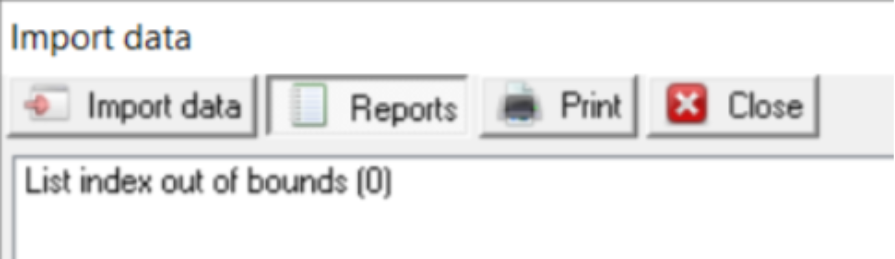
Step 3: After importing, extended delivery date will display as below together with the reference 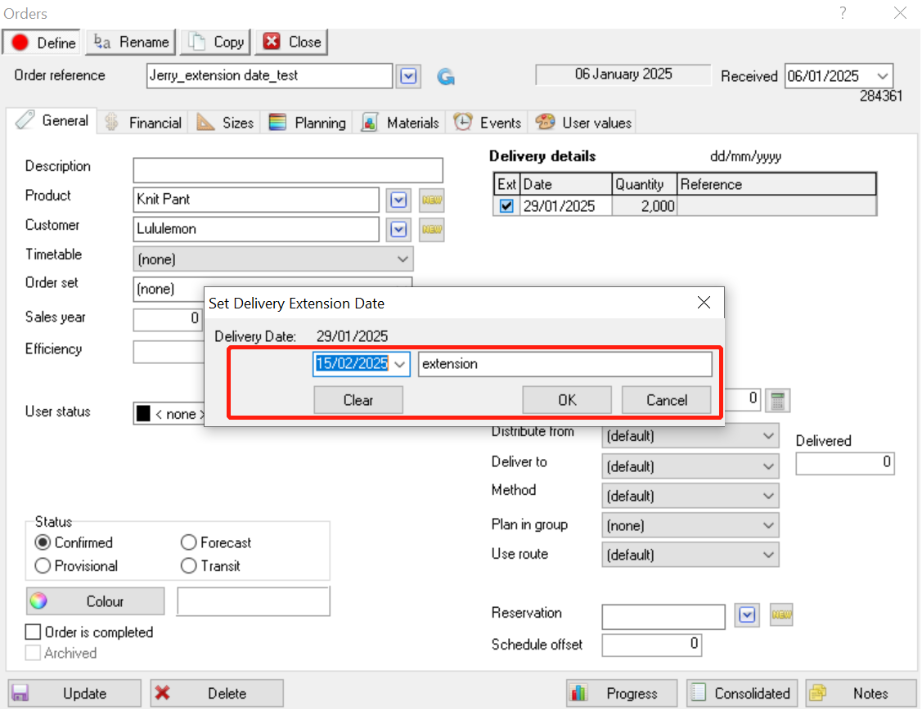
Notes: This extended date will be reflected on the High Level and Low Level planning boards in the form of a red dot on the planned strip. This red dot tells the Planner that the strip is planned late based upon the extended date
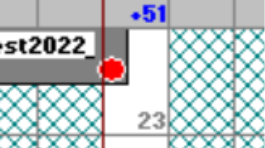
The Extension comment is available on the Text Display on the HL and LL Planning Boards and the following reporting fields are also available for this feature:
Order::Delivery date (inc. extensions) **
Order::Days late (inc. extensions)
Order::Delivery extension date **
Order::Delivery extension note **
Strip::Delivery date (inc. extensions)
Strip::Days late for delivery (inc. extensions)
Strip::Delivery extension date Strip::Delivery extension note
Outcome:
This extended date will be reflected on the High Level and Low Level planning boards in the form of a red dot on the planned strip.
Further reading:
Links to related articles