
Article Public Number: KA-01181
Coats Digital Knowledge Article
Product: FastReactPlan
Purpose & Scope:
Clean up the disk to ensure there is enough space for FRS to run well without I/O error 112 anymore .
Solution:
Enlarge the disk space via removing the useless files to release the space for FRS to run.
Instructions:
Step 1 : I/O Error 112 normally happen when there is not enough disk space to run FRS when trying to save planning boards/ previewing report and etc.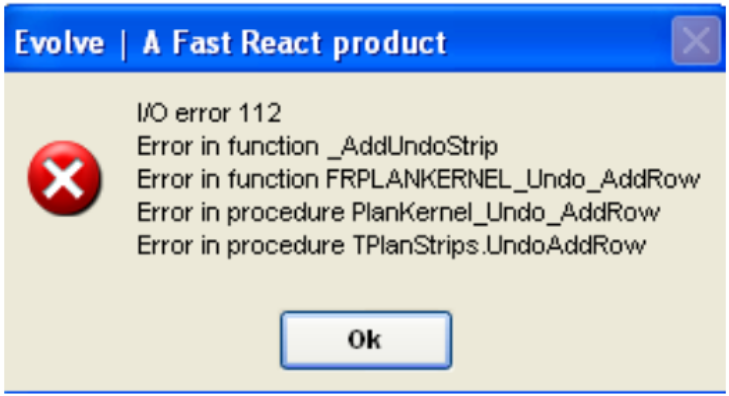
Step 2 : When we google and will find I/O Error 112 meant there is not enough space on the disk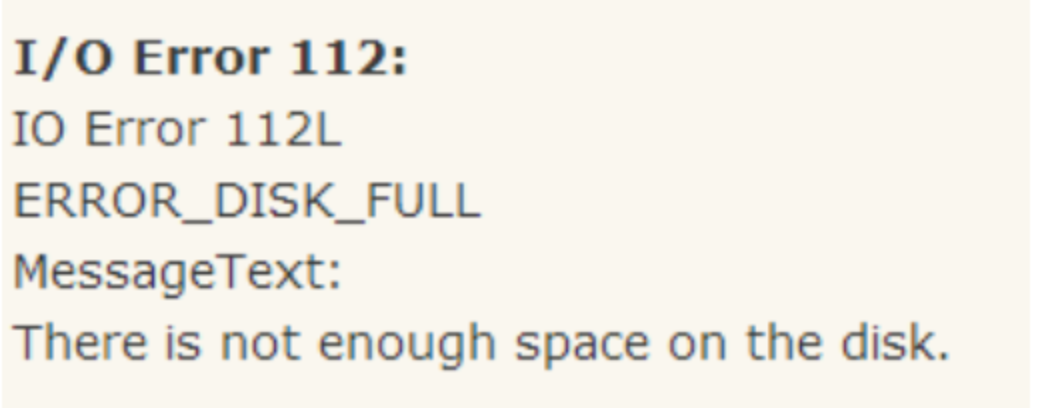
Step 3 : So you will need to do is Go to Setup - Configure - General - Local Machine to check which folder was set as local file to be saved as below, then go to the disk that the folder located and check if there is less space there. If yes, clean up the folder and run FRS again, there will then be no more I/O Error 112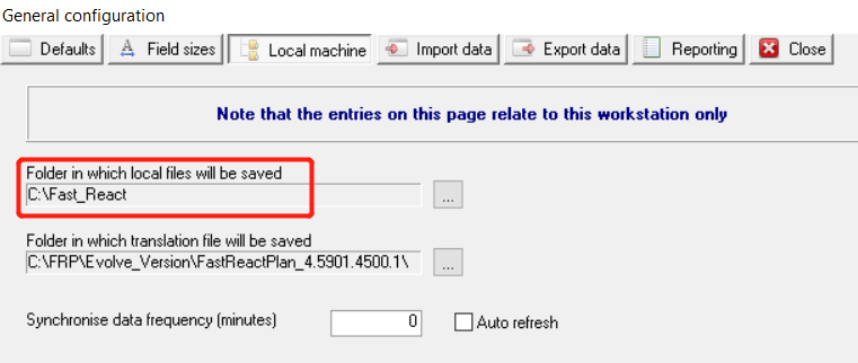
Outcome:
Once the disk has been cleaned up, login FRS to perform the actions again, there will be no more error about I/O 112.
Further reading: Links to related articles