
Article Public Number: KA-01219
Coats Digital Knowledge Article
Product: FastReactPlan
Purpose & Scope:
A guidance explanation on Material Issued in FastReatPlan
What Material Issued IS:
Material Issued is the function that allows issuing of individuL materials against a spesific Order, or group of Orders. It is also used to calculate the oustanding material balance on each Order from a total material required minus any issued quantity.
What Material Issued DOES:
In addition to normal MRP calculation, Materials Issued provide more details information on how much materials quantity are consumed, hence, better visibility on materials status. And provide the Full picture of the FULL MRP in FR system.
What Material Issued MEANS:
- Provide the detailed information on the material’s status
- Creating more accurate planning/adjustment based on materials FULL picture in FR system
- Allow to generate more material reports and reflect realistic materials status
- “ORDUPDAT” and “MATISSUE” must be imported together for the first time or imported every time when you import the “MATISSUE” which creates the relationship with the Orders and Material issued.
- O.GROUPING_CODE can be the same as the O.CODE or the code assigned to multiple orders by using the same material. That will be based on how to use the FULL MRP by the clients.
- Material Issued quantity must be cumulative.
- Material Stock update quantity should be imported after the material is issued.
Important Notes:
For example: If multiple orders will be using the same material, the internal system generated the O.GROUPING_CODE is A, which means the import field “CODE” in the “MATISSUE” will be equal to “A”.
License Enable requirement:
In order to use this Material Issued function, we must enable the option “ Issues to order groups” in the FR license file as below:
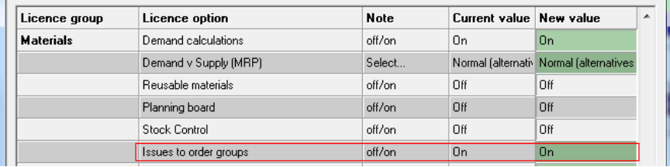
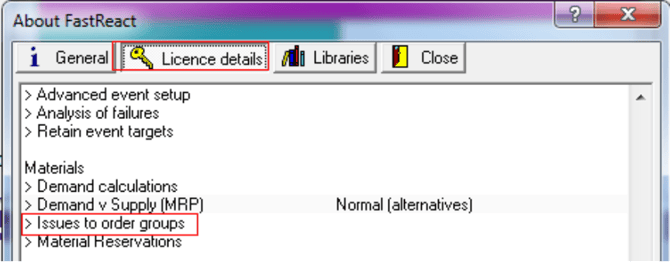
And then Load this License file to your FR system, you will see the below option was enabled in your FR system, which means you can use the “Material Issued” function now:
Apparel Demo database demo script:
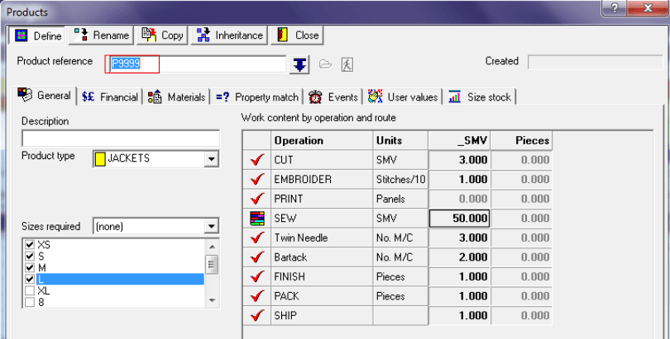
1. Created one product named “P9999” as below:
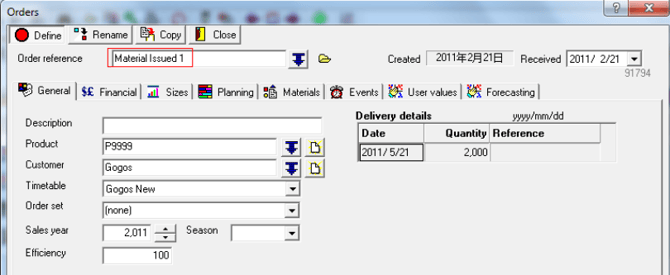
2. Created one Order name as “Material Issued 1” as below:
3. Planned this order “Material Issued 1” to the planning board “ China” as below:
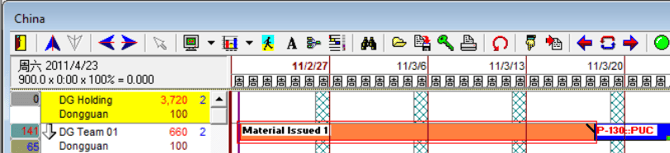
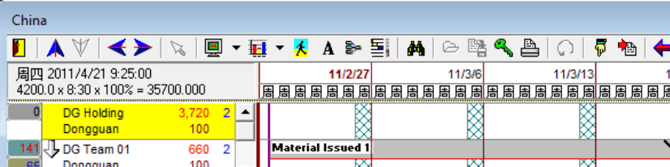
4. Changed the rotation view from “Orders” to “Materials” and run the material calculation, you will see the strip colour was changed to “Grey” as below:
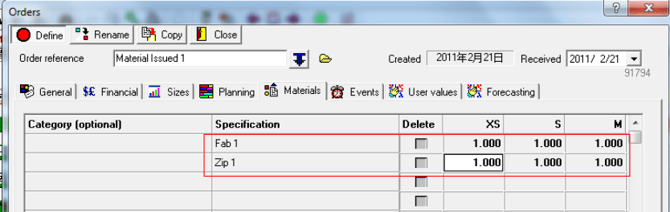
5. Created two materials and assigned these two materials to this order as the BOM:


6. Assigned these two materials to order:
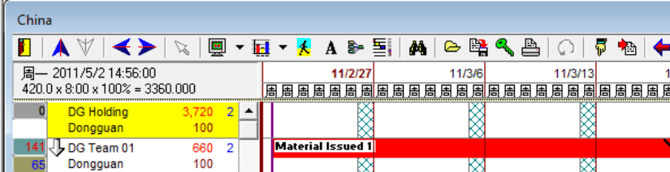
7. Run the material calculation again, the strip colour has been changed to “Red”, which means the two materials shortfall and need to purchase:
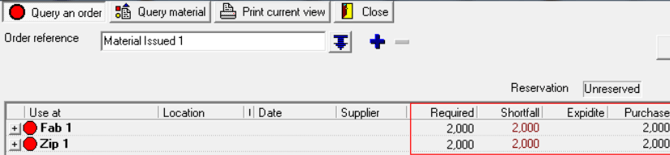
8. Imported the Materials Stock to FR system:
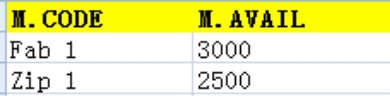
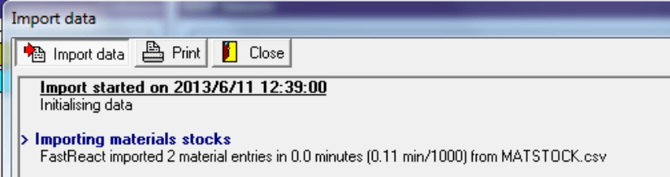
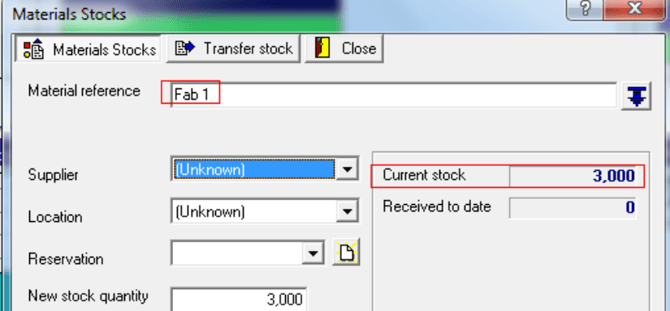
9. Go to the “China” planning board and run the material calculation in the “Materials” rotation:
You will see the strip colour was changed from “Red” to “Dark Green”, this means the materials stock has been fulfilled this order:
10. The materials are in the warehouse now, which means I can issue the materials to this order, so I need to import two files at the same time which are “ORDUPDAT” and “MATISSUE”, please refer to the details in the top of this script “Important Notes”:
Imported successful:
11. Run the material calculation, and then go to the “Materials” rotation view, you will see the strip’s colour has been changed from “Dark Green” to “Blue”, it means the materials has been issued to this order:
Material detailsè the Required quantity changed from 2000 to 0, and the Issued quantity is 2000.
12. Go to the materials query to check the material:
13. Based on the above screenshot, you can see the material stock is not deducted even though the material was Issued 2000, we need to Imported the updated Material stock based on the material update stock quantity in your ERP system:
After importing: The material Fab1 stock quantity changed from 3000 to 1000
The material Zip 1 stock quantity changed from 2500 to 500
14. Sample reports for Material Issued, the reports are under the materials groups as below:
Material Issued by order:
Subtotal by materials:

Further reading:
Links to related articles