
Article Public Number: KA-01449
Coats Digital Knowledge Article
Product: FastReactPlan
Purpose & Scope:
Import auto task is run as schedule but import files are not read and updated into system
Solution:
Check import file location is restored to default or not.
Instructions:
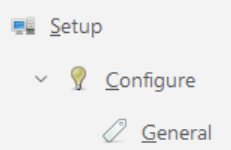
Step 1: Go to Setup -> Configure -> General
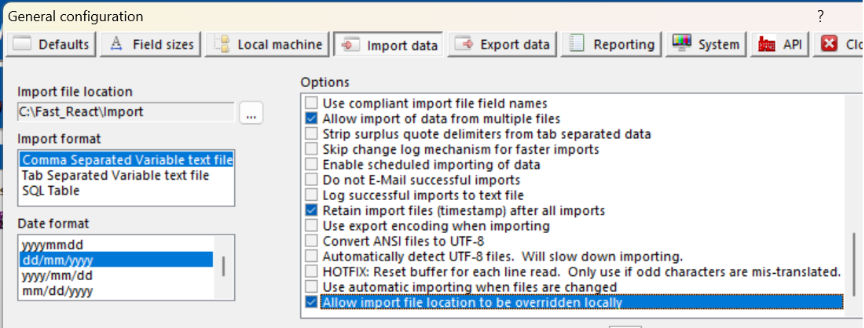
Check the information of setup Import file location and option "Allow import file location to be overridden locally" is enabled
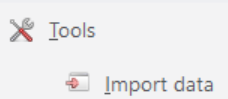
Step 2: Go to Tools -> Import data
Step 3: Check "Import file location", if it is different with default setup, click on icon "override" to restore the default location
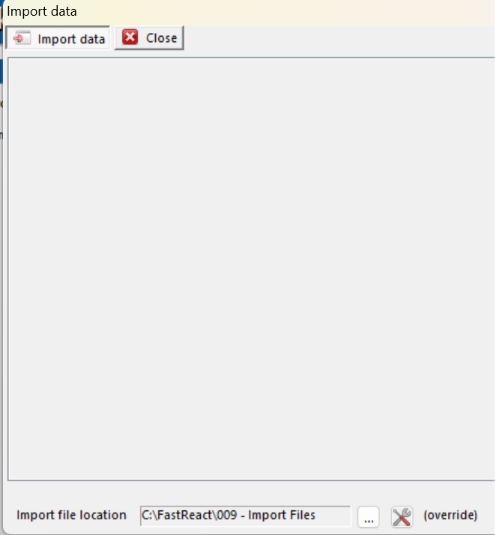
Then it will be back as default setup -> Close
Outcome:
After "Import file location" is restored to default setup, the auto import task can be run as schedule and then data will be updated into FRP system.