Article Public Number: KA-01504
Coats Digital Knowledge Article
Product: GSDV4
This is a quick internal knowledge article on how to create an encryption key from GSD Licence Manager. Before creating an encryption key, you'll need to find the customer, and the best way to find the customer is by the company number or from the system verification code in the GsdVerify file. For example, A08B-7216-9494-10B5 will be A871991B, which you can use to match the target system serial number in the target system parameters section.
To create an encryption, you will first need to click on the edit licence button, which will allow you to edit the activation parameters of the licence and the database location code. Changing the date against the system expiry date will then allow you to click on the generate button, which will change the activation codes in the bottom left.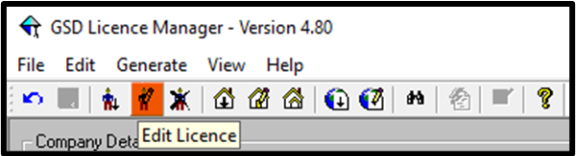
Make sure that when you click on the generate button, the activation codes change.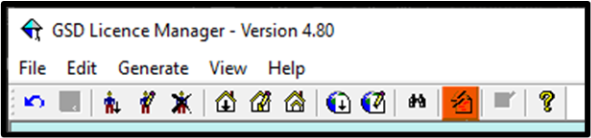
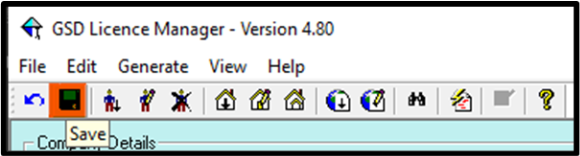
You can then click on save, which will open the GSD network folder where the GSD encryption key will be saved.