Article Public Number: KA-01135
Coats Digital Knowledge Article
Product: VisionPLM
The Composition is a part of VisionPLMs Tech Pack suite and allows the Composition for a product to be recorded against each part of its component parts i.e Main Fabric, Lining etc. In order to assign a Composition, you'll first need to create Composition types i.e. Cotton, Wool, Polyester etc and also a Fibre Composition type (Main Fabric and Lining etc).
Firstly you'll need to go to Maintenance. 
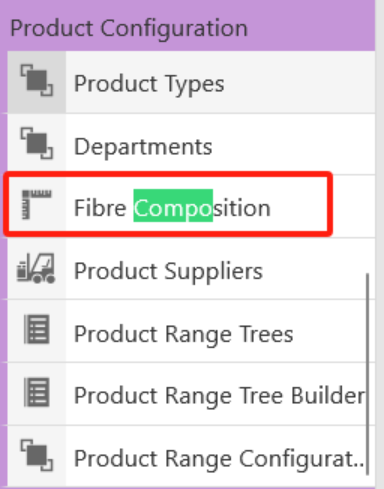
In Maintenance go to Composition (this is where you can add Fibres) which is under Tech Pack Configuration. In Composition, you'll see that there are two columns Composition and Sequence.
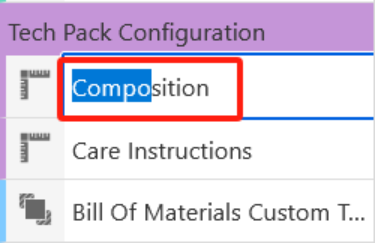
Composition: This is the name of the Fibre.
Sequence: This is the order in which the Fibre will be on the list. 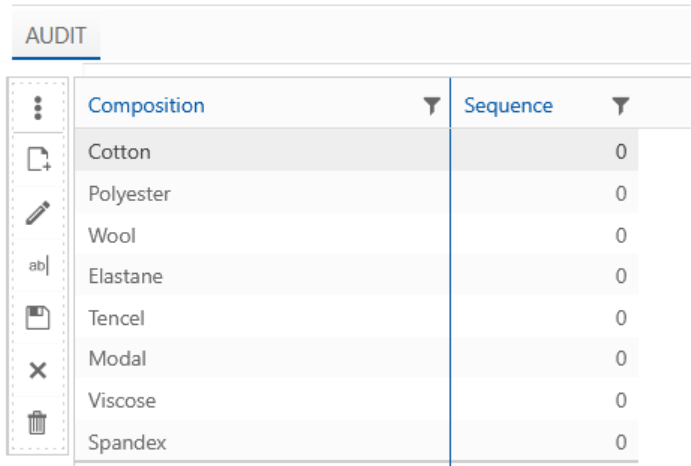
Once you have added and saved the new Fibre you then need to go into Fibre Composition which is under Product Configuration. In FIBRE COMPOSITION you'll see that there are four columns Fibre Composition, Sequence, Main Material and Enabled By Default.
Fibre Composition: This is the name of the part of the product.
Sequence: This is the order in which the part of the product will be on the list.
Main Material: Ticking this box will set that part of the Product as the main material and there can only be one Fibre Composition that can be set as the main material.
Enabled By Default: Ticking this box will enable the part so that you are able to select it when you are in fibre composition. 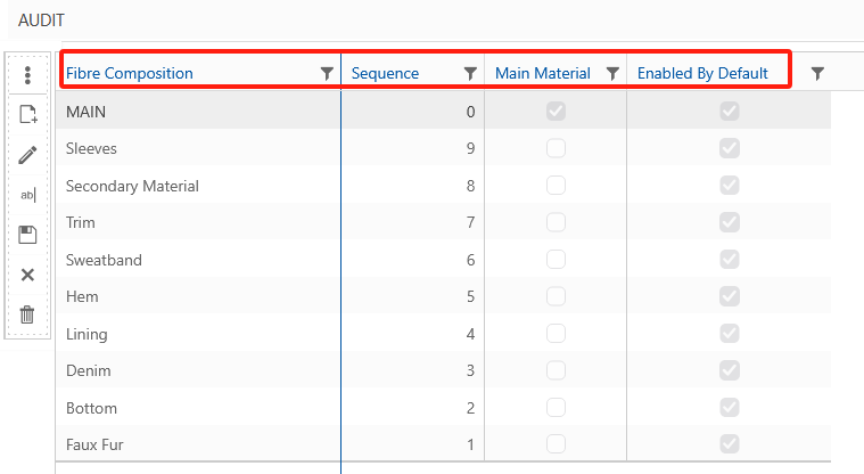
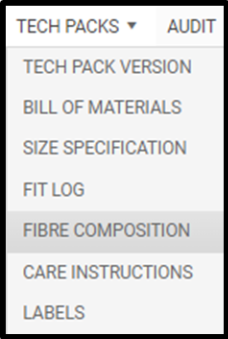
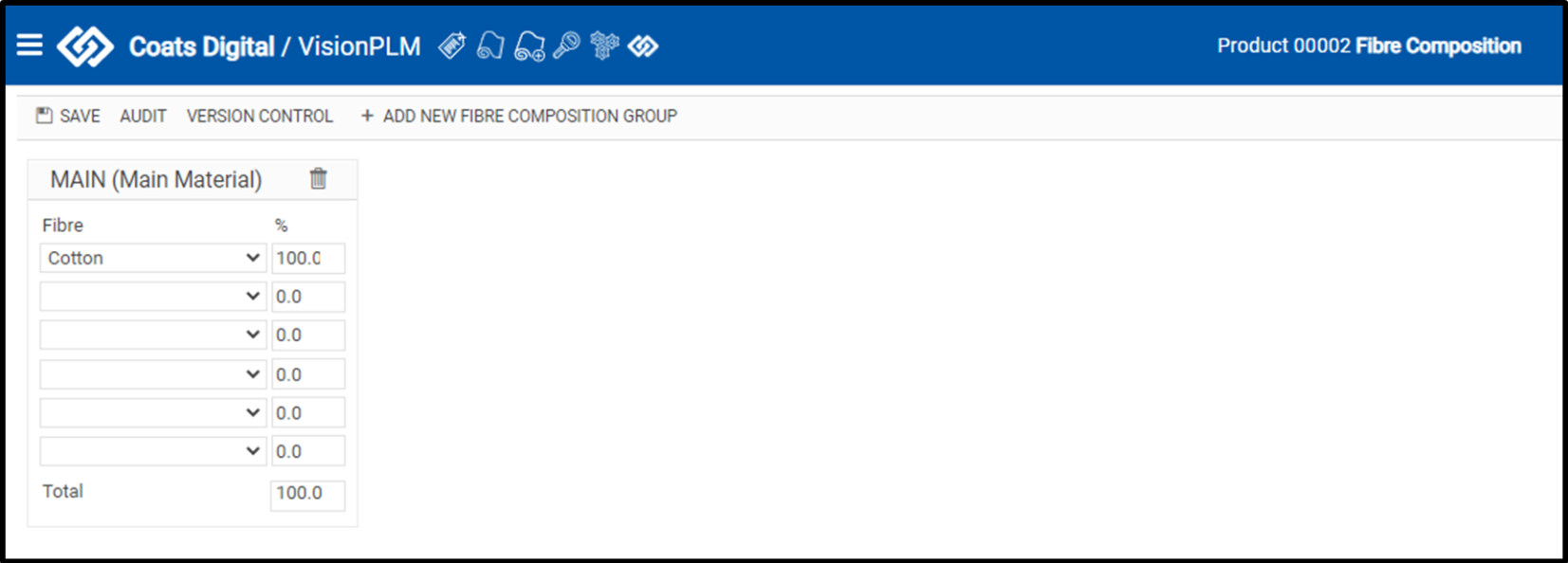
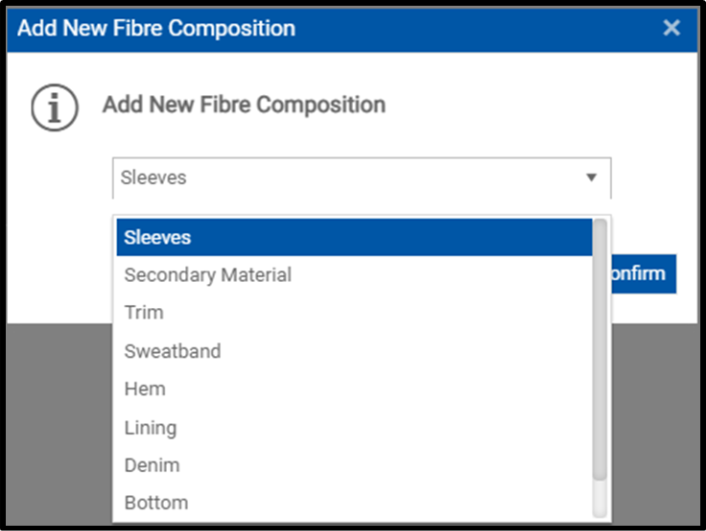
Once you've done the above you can go to Product Manager > Tech Packs > Fibre Composition . When you are in Fibre Composition, you'll see the part of the product that has been set as the main material in Fibre Composition and you'll see that you can add fibres to the part and give it a percentage of what it is made up of and what total percentage is. You can add new groups in Fibre Composition by clicking on ADD NEW FIBRE COMPOSITION GROUP. Which will bring up a pop-up window that will have a dropdown list of parts select the part that you want to add and click confirm this will add it to the Fibre Composition.