
Article Public Number: KA-01551
Coats Digital Knowledge Article
Product: FastReactPlan
Purpose & Scope:
This document will help to enable plan data synchronisation at the individual PC level to ensure a smooth run and integration of FRP
Solution:
Enabling plan data sync
Instructions:
Please go to Setup-->Configure-->General
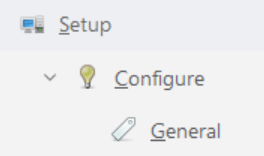
Go to the local machine and add time to the below highlighted text box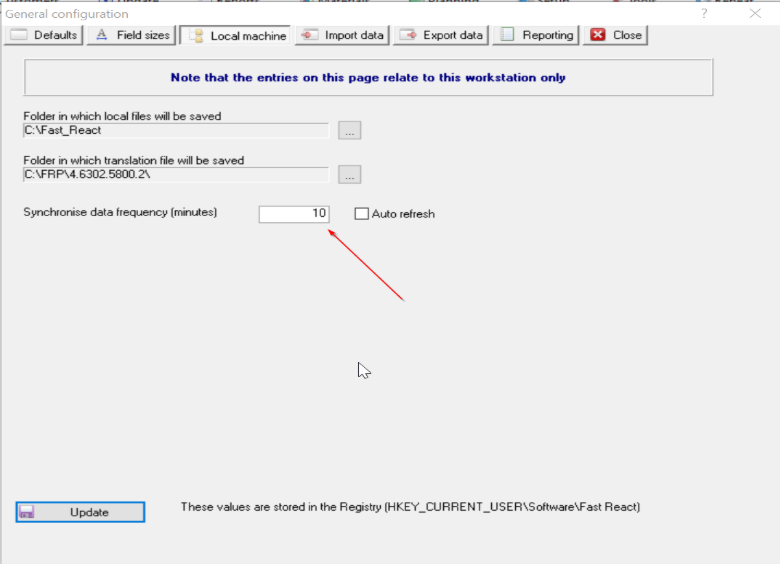
Once done, click the update button below.
When you open the planning board, you will see an icon below in the planning board.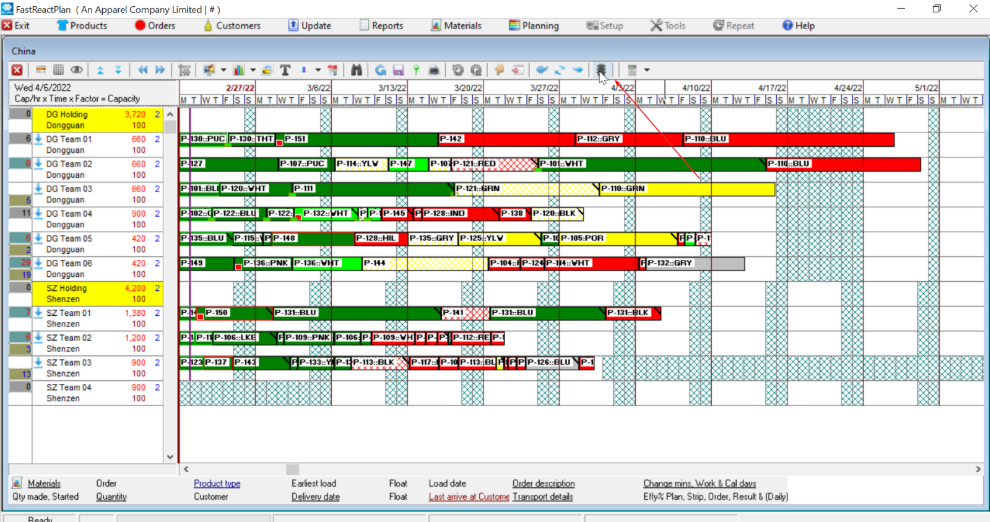

This icon changes colour if there are changes that need to happen in the database.
Green=No changes pending.
Yellow=Changes pending, clicking on the icon, the changes will be incorporated.
Red=Fast React Plan is busy incorporating the changes.