
Purpose & Scope:
Activity Overview lets users see a control tower style of their Activities, arranged in groupings and consolidations that make sense to your business.
Instructions:
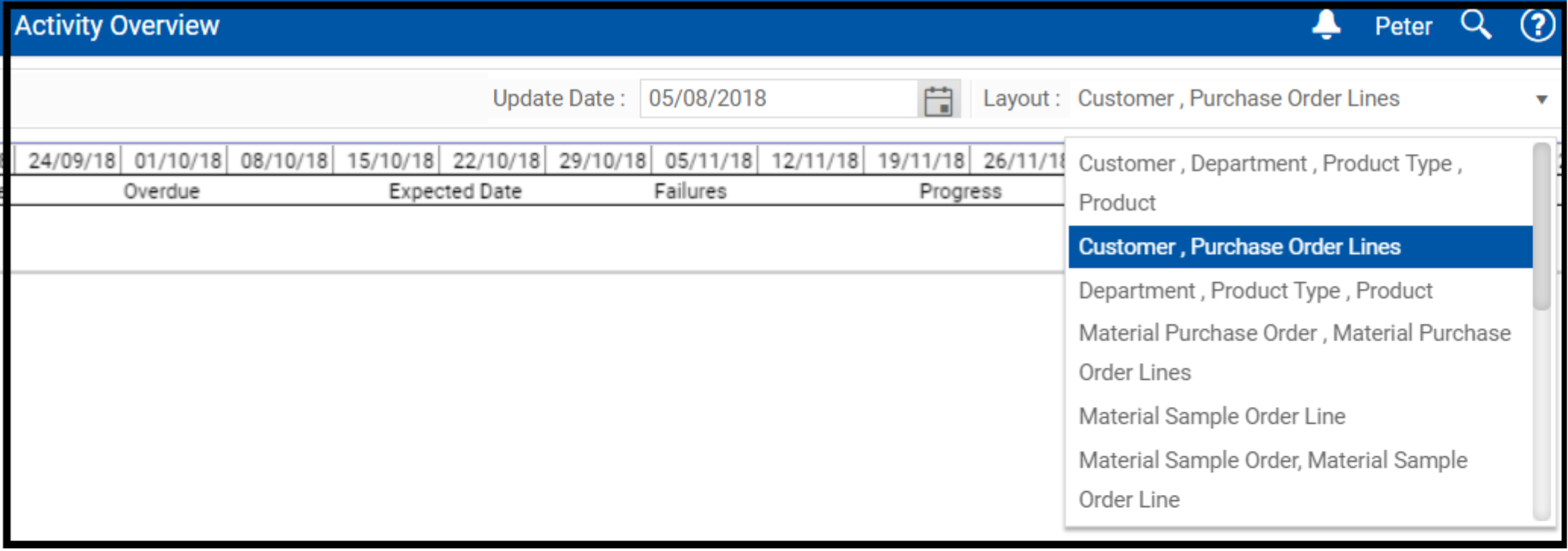
Controlled by the Layouts found in the top right-hand corner users can see how many Activities fall within a weekly bucket and what their Overdue status is.
Rows in Activity Overview can be expanded to show more detail:
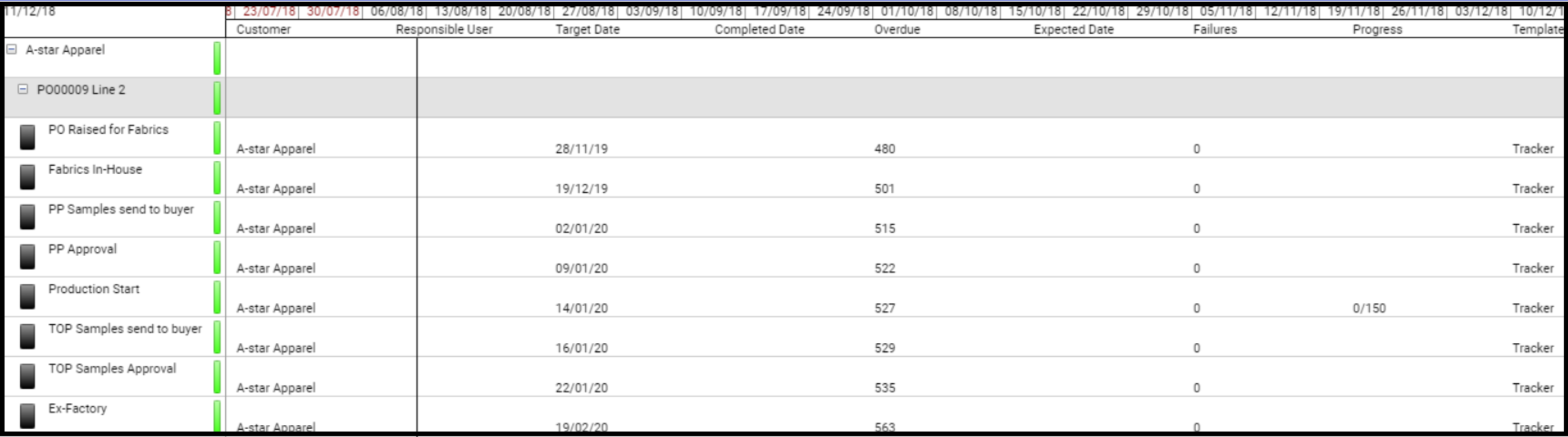
Activities can be quickly completed from this screen too. By double-clicking an Activity, its status should change to have a tick. The Update Date found In the top right-hand corner of Activity Overview is that Activities new Completed Date.
