Solution:
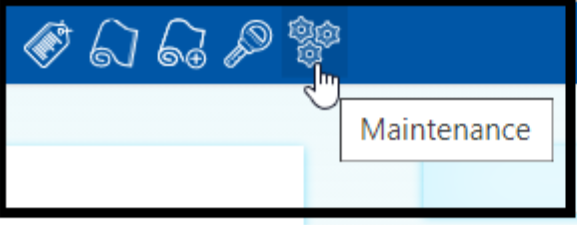
Within VisionPLM, click on the Maintenance icon:
Instructions:
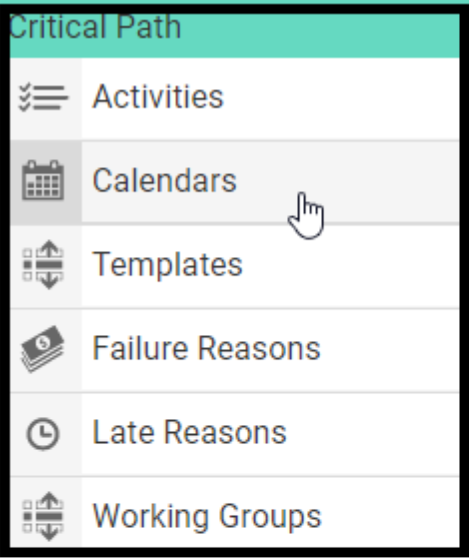
On the left hand side of the window you will see an array of options to choose from. Click the 'calendars' option under the 'critical path' group:
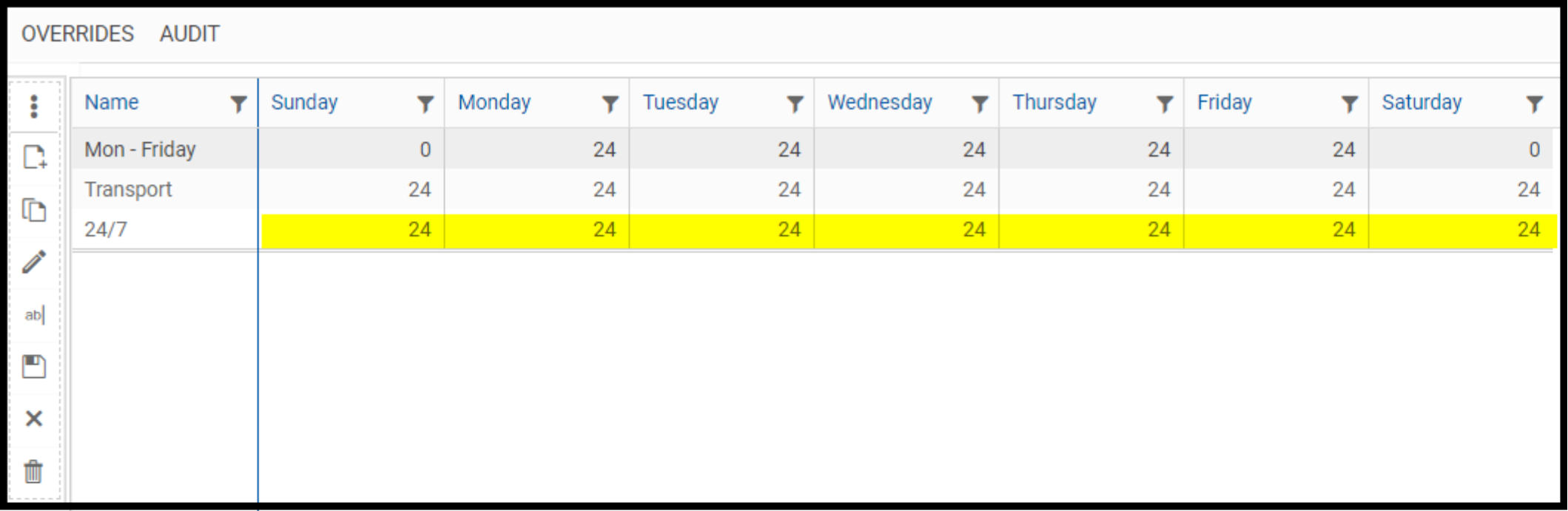
Click on the first icon in the list of seven which is named 'Inset' a new blank line will appear. Provide a name in the available name box, and enter the amount of time in hours for each individual day.
Click the fifth icon in the list which is the save button.
In my example I have used 24 hours for each day.