
Purpose & Scope:
Modules are used in the Form view, they are where all of the information is stored and laid out across the page.
Solution:
In order to get where you want to go to, system > administration > Users and Teams. In order to add these, you first need to have a field to place them in. So first thing is to select an order, once this is done you should be looking at the form view of the product. Then go to the settings icon at the top of the page:
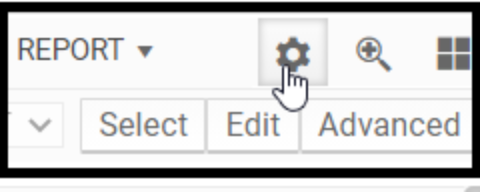
Once you are at this drop, select Advanced
Once this has been selected, you will get the below pop up box:
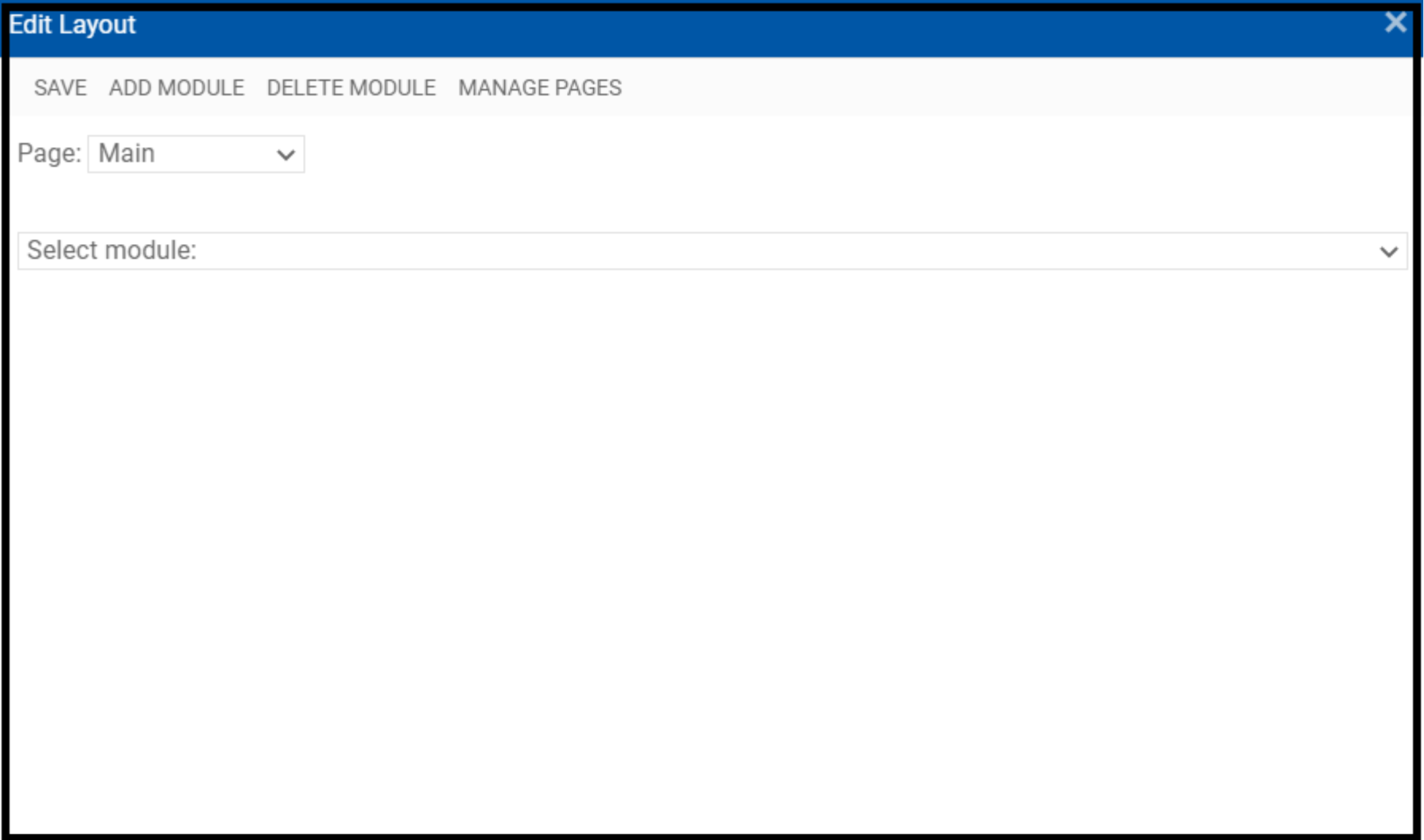
From here you want to go to the ADD MODULE option at the top which will then show the below:
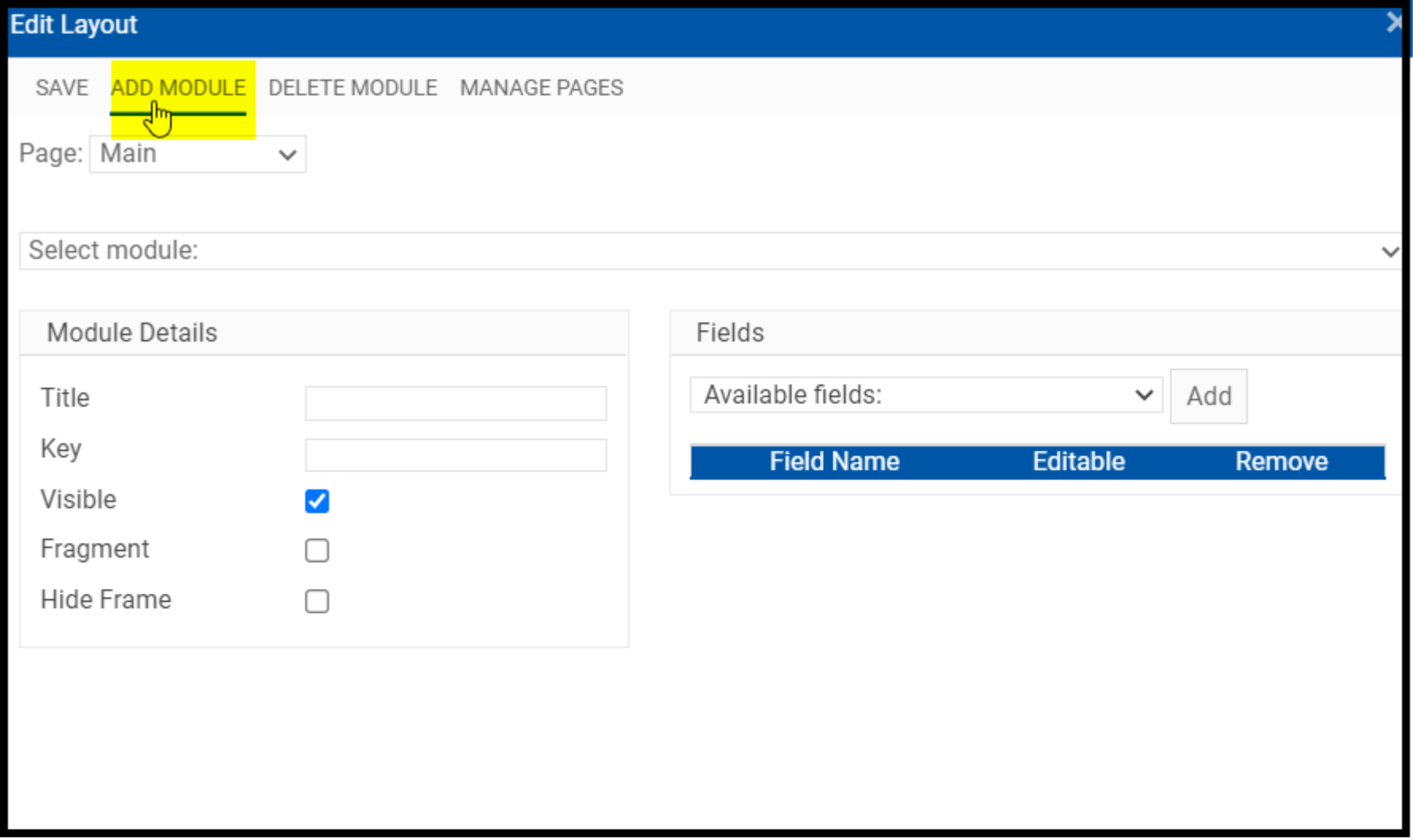
From here, you would need to fill out the fields that you want to add by selecting them from the Available Fields drop down menu and then SAVE once you are happy with what you have and reload the page.