Solution:
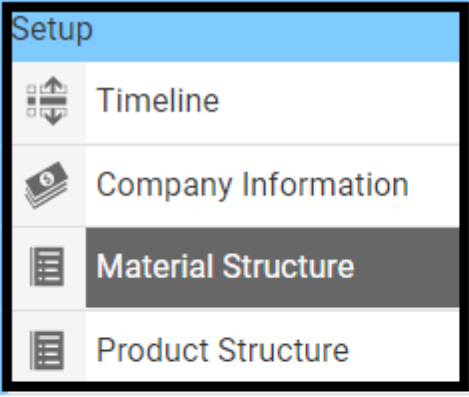
The first place we need to go to is Maintenance and then locate Material Structure under Setup
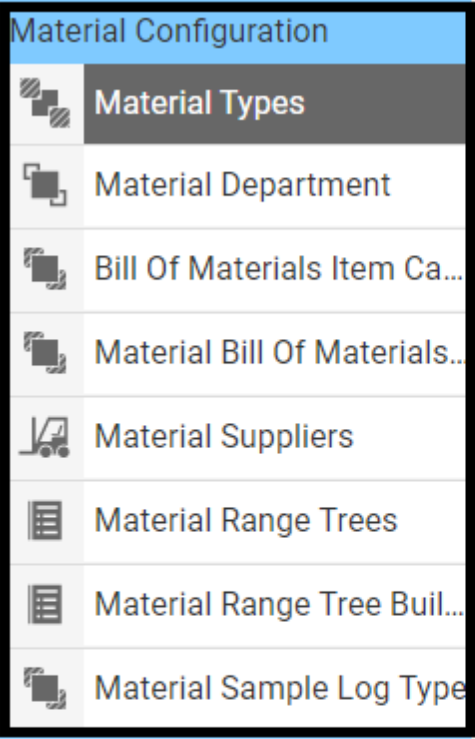
Once you have setup the Structure for Materials you will then need to go to the Material Configuration section and select Material Types:
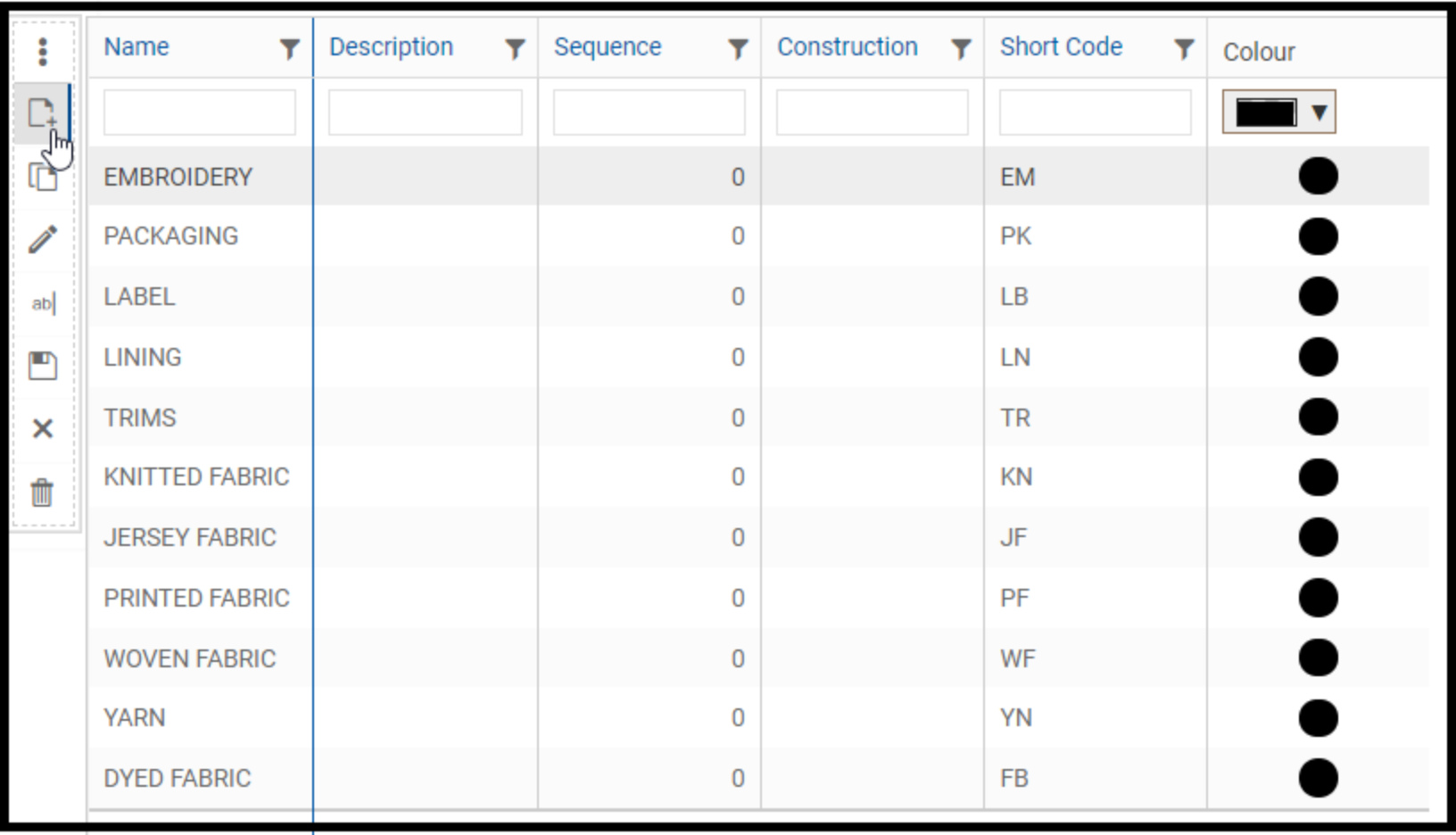
From the picture below we can see how we insert a column where we can then populate it with information, you can use the examples shown for guidance: