
Solution:
Product Options is located within the Product Manager section at the bottom of the page, the second tab across:
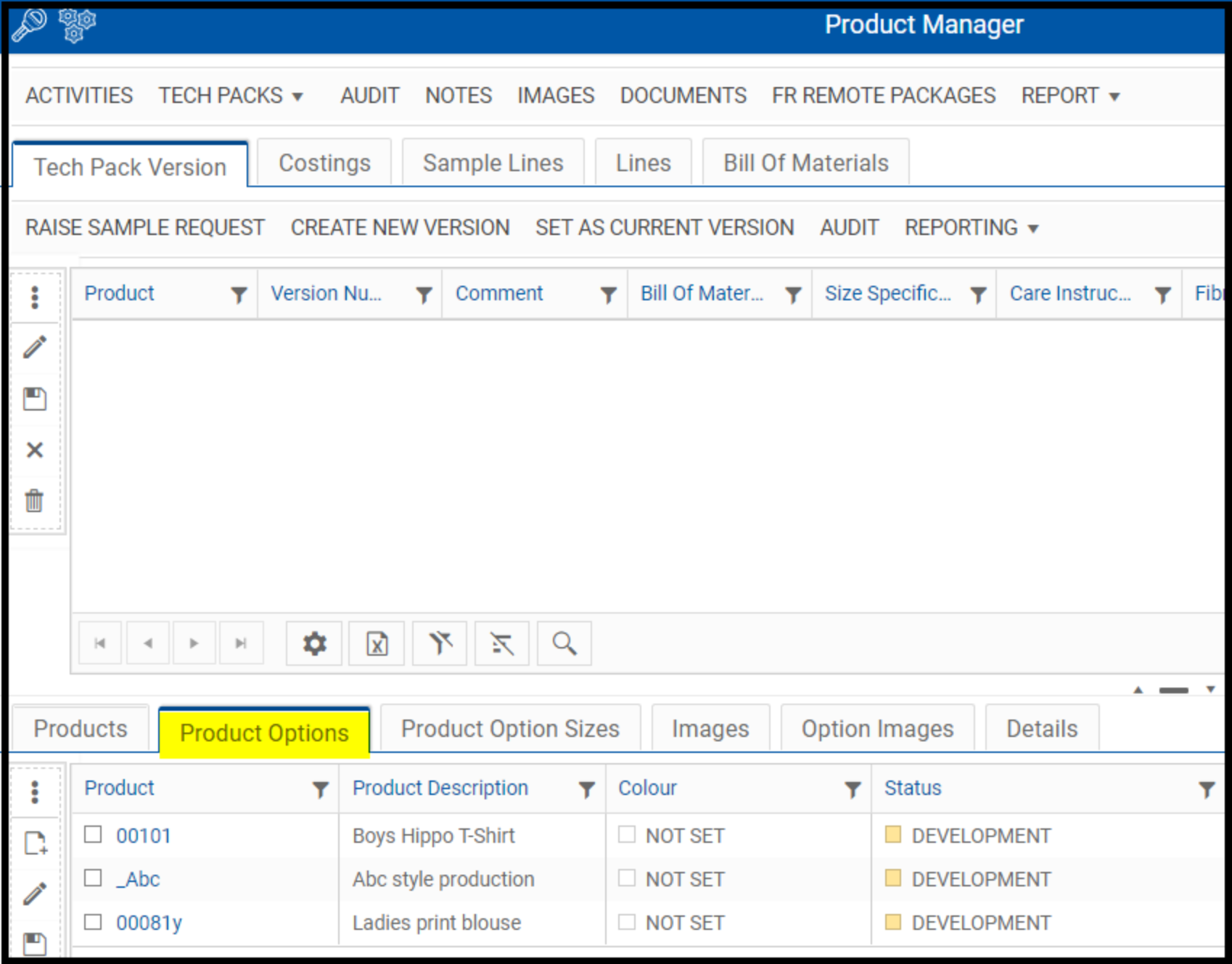
From here you can double click into editable fields to make any required changes as well as see all the current details of existing products.
You can use the Range Tree on the left-hand side to narrow your Product Search down:
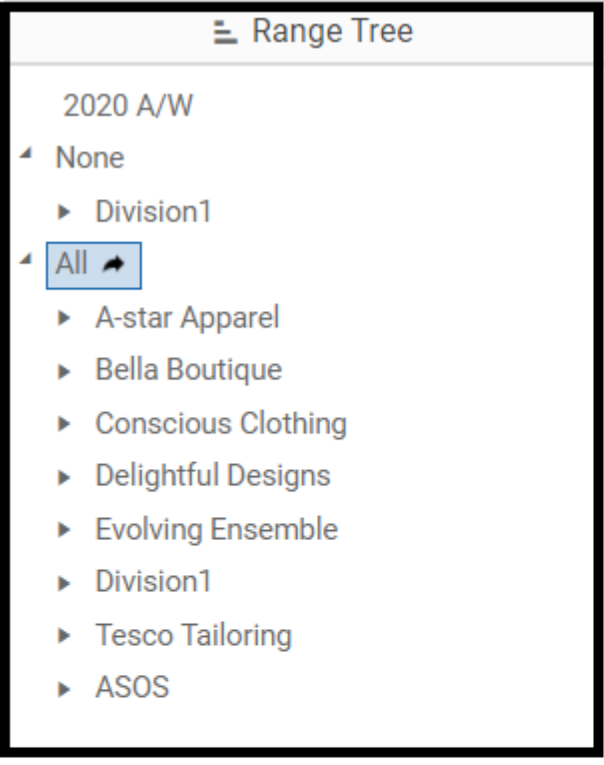
You can view details such as the Range, Product, Product Description, Status, Product type etc.
You can also use existing options at the bottom as in other areas of the system such as Filter, Search and settings.