
Purpose & Scope:
Collections allow the user to create a group of products that will be against a customer. Below are some steps that will show you how to set up collections in VisionPLM.
Solution:
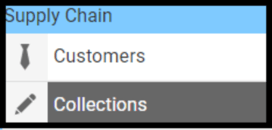
Step 1: Collections are set up in maintenance underneath the supply chain.
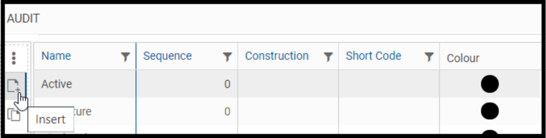
Step 2: In collections insert a new line and the only column that will need to be filled in is the name column.
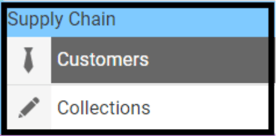
Step 3: After creating a collection go to customers which is also underneath the supply chain:
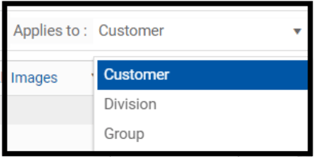
Step 4: In the customers change the top-right dropdown to show the customers then select a customer:
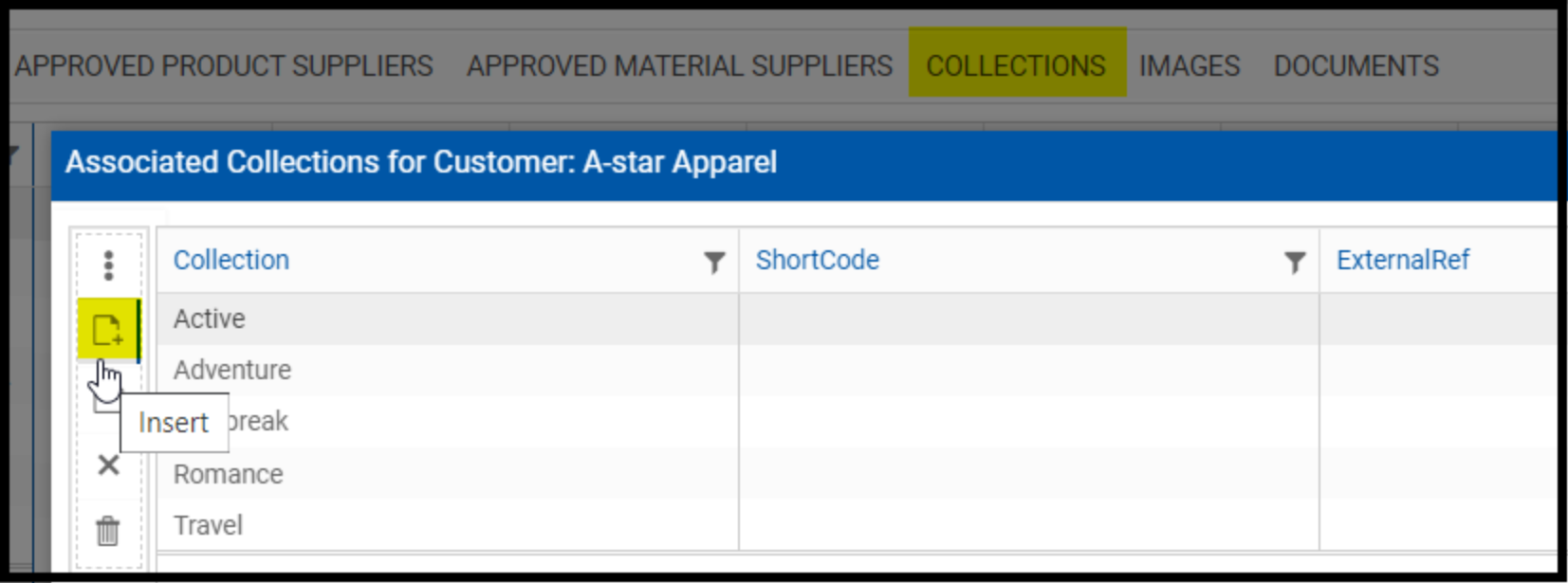
Step 5: Click on collections which can be found above the grid when you click on collections a popup window appears you'll need to insert a new line from the dropdown list then select the collection that you have created:
Step 6: Once you have done the above steps go into a product that you want to have a collection. You'll need to change the customer in the product to the customer that you've associated the collection to if you don't make this change then nothing will show in the collection dropdown.