
Purpose & Scope:
Customers are used in purchase orders so that it can be identified who has placed an order and where that order needs to be shipped to, it also helps when sorting orders, reports and other things by Customer so it can be customer-specific. Customers are used in purchase orders so that it can be identified who has placed an order and where that order needs to be shipped to, it also helps when sorting orders, reports and other things by Customer so it can be customer-specific.
Solution:
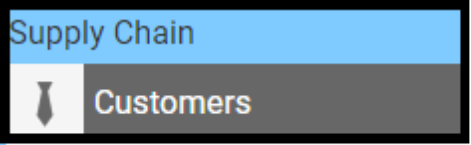
The customer option is located under, System > Maintenance > ( Supply chain header ) Customers.
when you have clicked on this option you should have a screen which looks something like this:
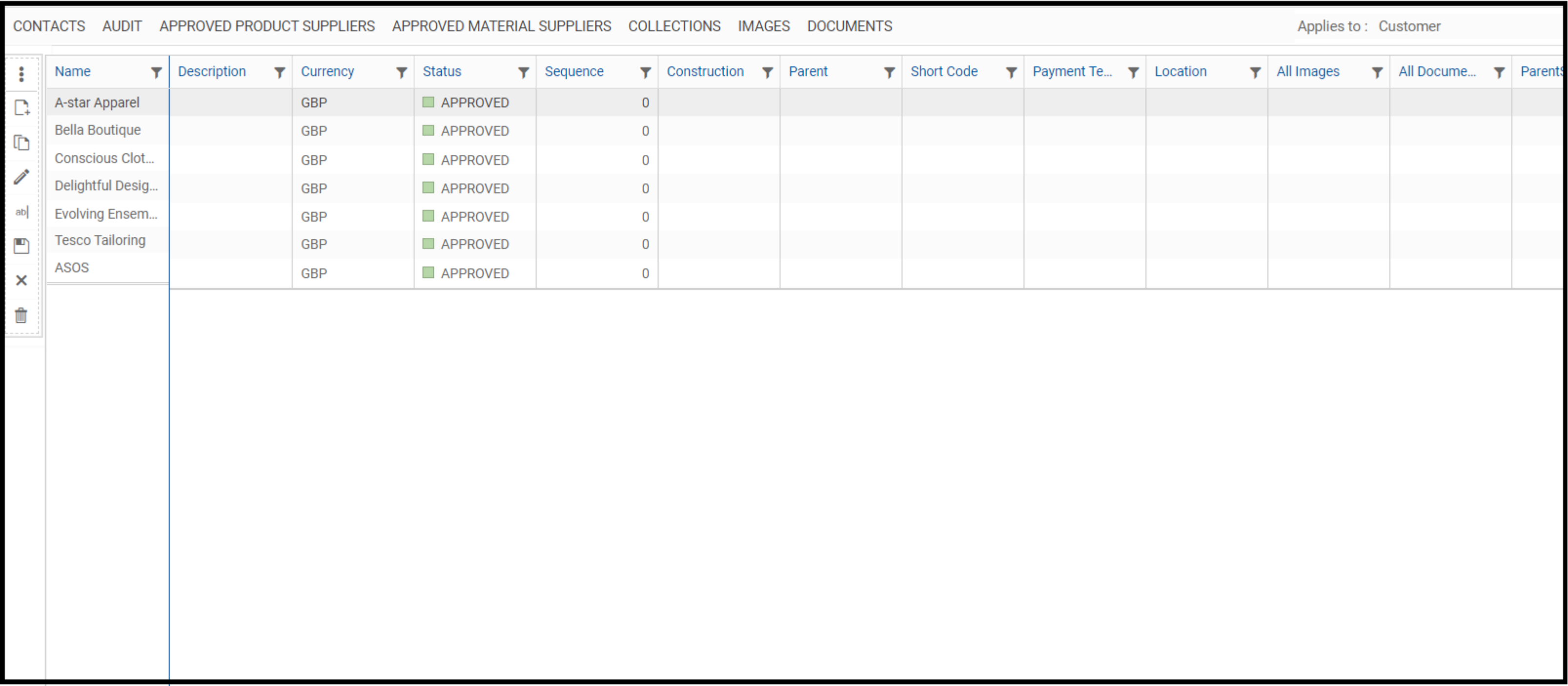
Once you are here, simply click the New icon and then populate the required fields.