Purpose and scope
This article explains the Activities, Late Reasons, Calendars and Working Groups sections within Critical Path in VisionPLM. Use it to understand the information available in each section and identify the area relevant to your requirements.
Activities
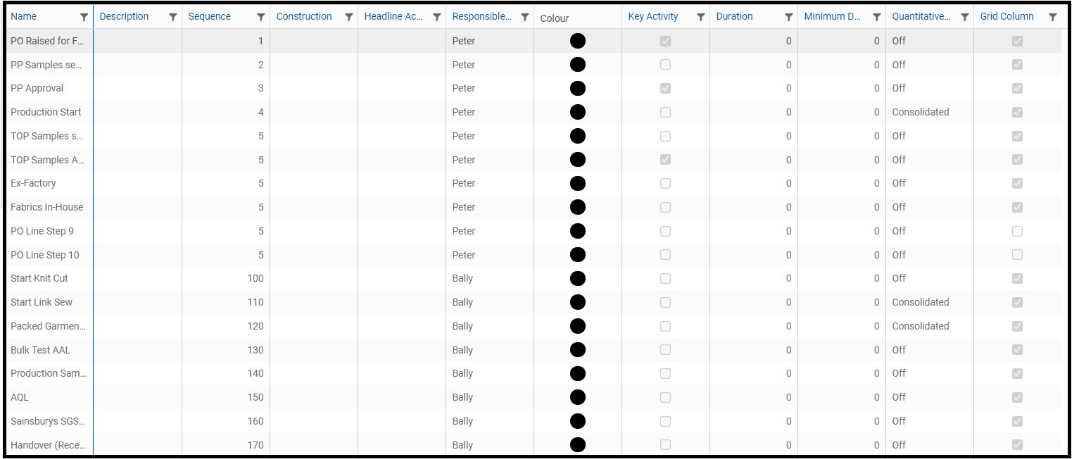
The Activities page lists the steps that need to be completed for the selected area, together with the details for each step.
To view the activities associated with a particular area:
- In Activities, use the selector in the top-right corner to choose the required area. For example, select Purchase Order Line.
- Review the activities displayed for that area.
- Review the details for each activity to understand the steps that need to be completed.

Late Reasons
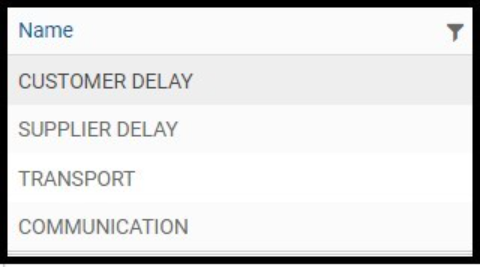
The Late Reasons page lists reasons why materials, deliveries or other items may be late.
Use the Name column to identify the relevant late reason. You can also include Description, Sequence, Construction and Colour, where required.
Calendars
The Calendars page lists the calendars available in the system and the working hours defined for each day of the week.
To read a calendar:
- Locate the required calendar in the Name column.
- Review the columns to the right of Name. Each column represents a specific day of the week.
- Read the numeric value in each day’s column as the number of working hours defined for that day in the selected calendar.

Working Groups
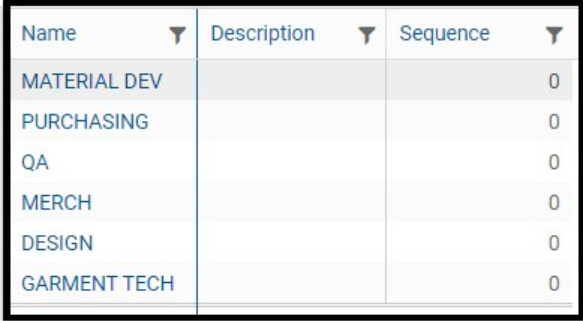
The Working Groups page lists the groups configured in the system.
Existing working groups can be amended to meet individual or group-specific requirements. Additional working groups can also be added where required.