
Article Public Number: KA-01201
Coats Digital Knowledge Article
Product: VisionPLM
Purpose & Scope:
This article will guide you through how to add a Colour Option onto a Material, this is so you are then able to select that Colour for MPOs that are using that Material for example.
Solution:
First, you need to select the Material that you want to add a new Colour Option to: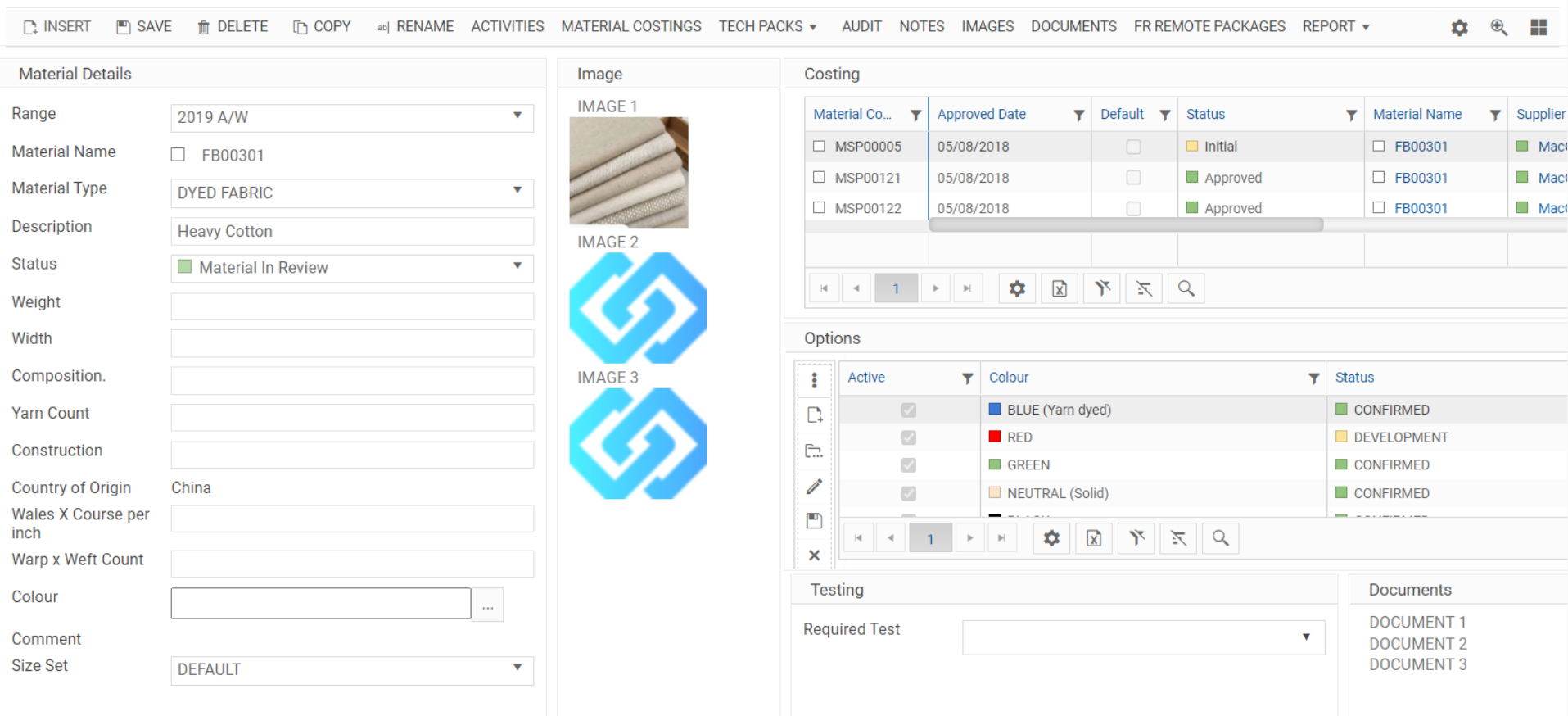
Next, select the new icon under Colour Option and select the one you want to add: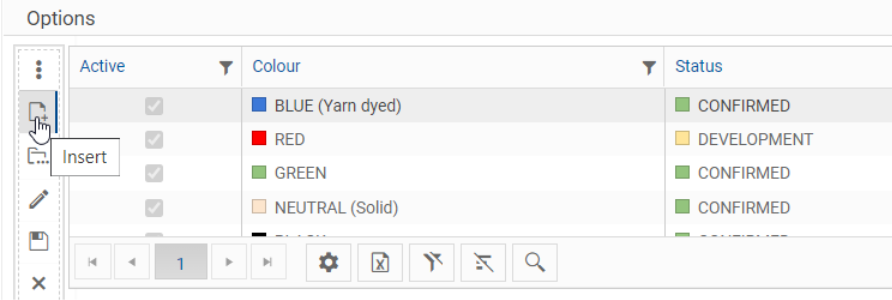
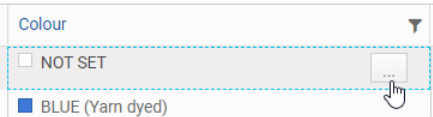
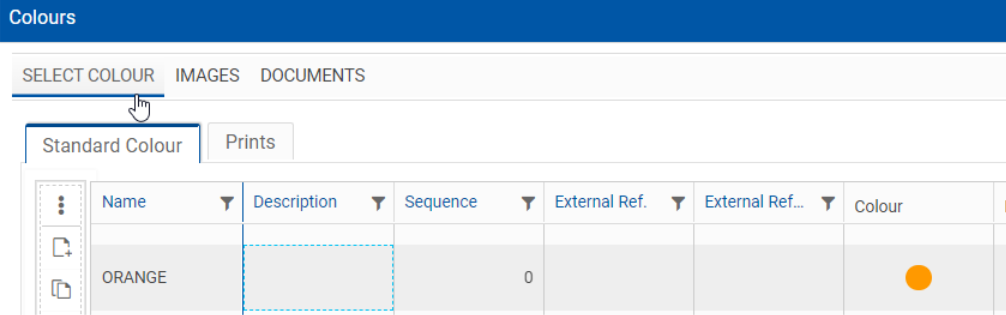
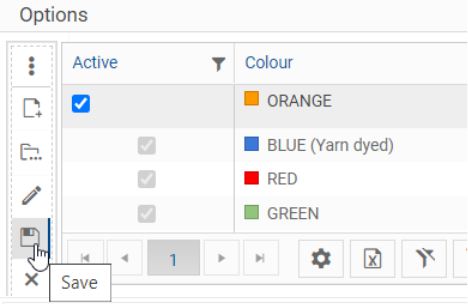
After this you need to Save it ad the new Colour will be available for you to use on an MPO:
It is important to note that you will need to make sure that the Status is changed to Confirmed: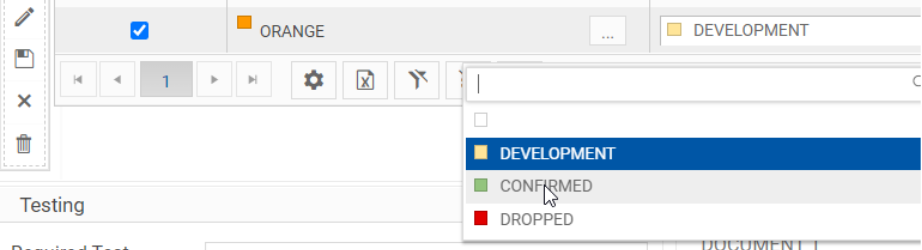
Further reading:
Links to related articles