Article Public Number: KA-01212
Coats Digital Knowledge Article
Product: VisionPLM
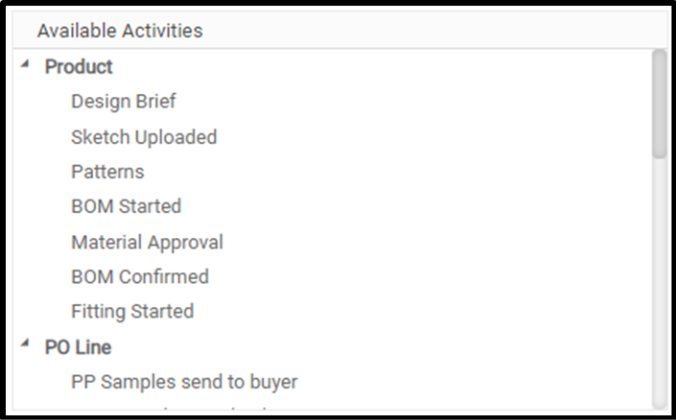
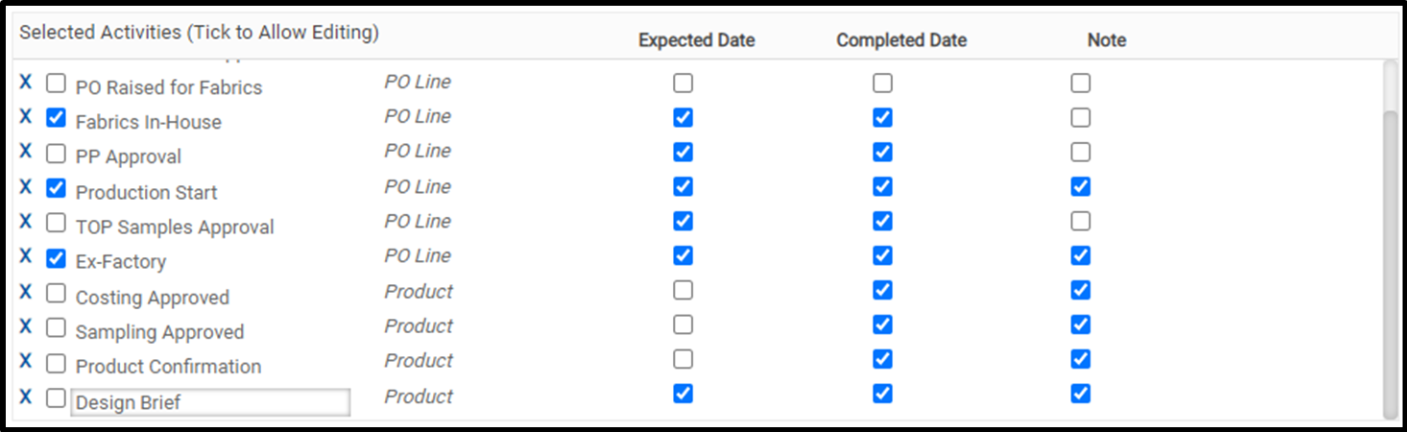
To add an activity to a package in Remote PO Activities first select the package that you want to add the activity to then click on the Activities tab. You'll see a section for Available Activities: To add an Activity you'll need to click on EDIT and then double click the Activity this will add the Activity to Selected Activities in my example I'll be adding the Activity Design Brief. From my example above you can see that the Activity has been added to Selected Activities.