
Coats Digital Knowledge Article
Product: VisionPLM
In VisionPLM Costings, you can have a field that shows as a column in a grid within the Costings tab of the Product Manager and you can change the name by going to Maintenance > Costing Mapping.
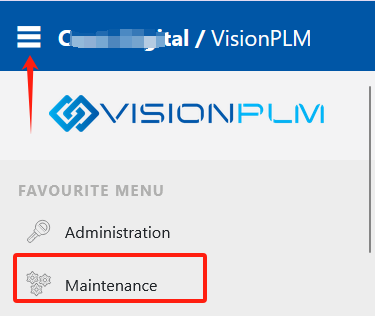
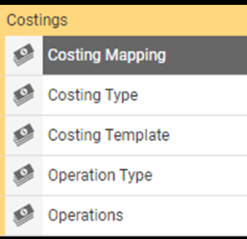
Once in Costing Mapping select the one that you want to rename and on the right-hand side, you'll see Description from here you can enter what you want the field to be.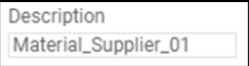
Once you've done the rename click on the SAVE button and when you go back to the column you'll see that the name has changed.