Article Public Number: KA-01192
Coats Digital Knowledge Article
Product: VisionPLM
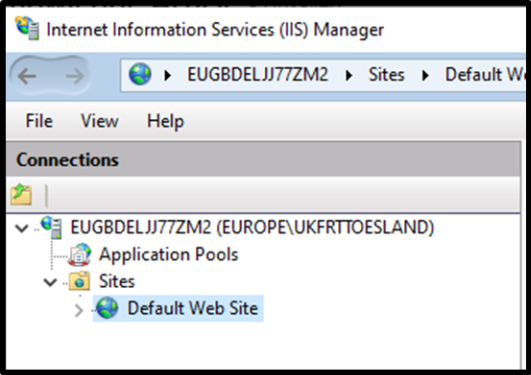
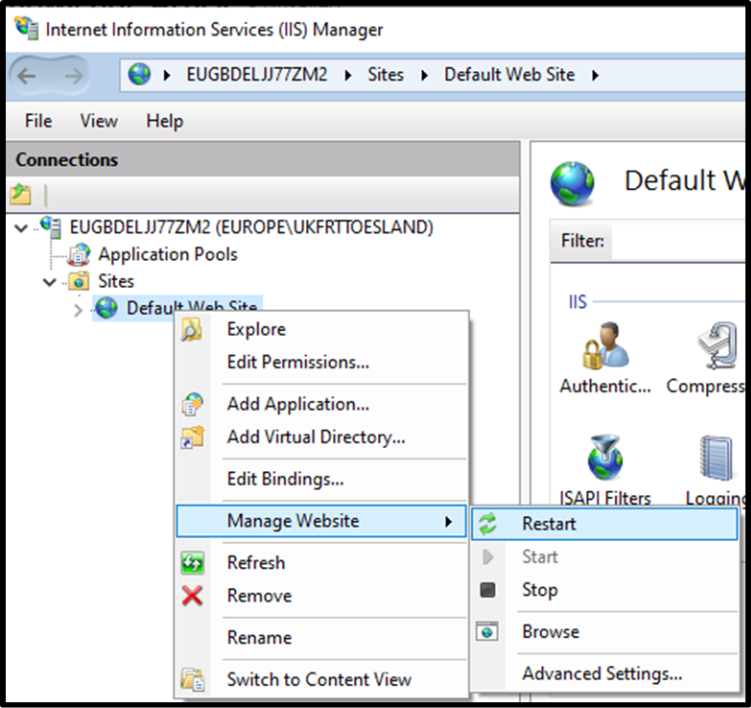
To restart the App Pool you'll first need to open Internet Information Services (IIS) Manager. You'll then need to right-click on the VisionPLM site and select Manage Website and click on Restart. Once you've clicked on Restart there is nothing else that you need to do.