
Article Public Number: KA-01291
Coats Digital Knowledge Article
Product: VisionPLM
Purpose & Scope:
An invoice is being produced however the Invoice Address is blank: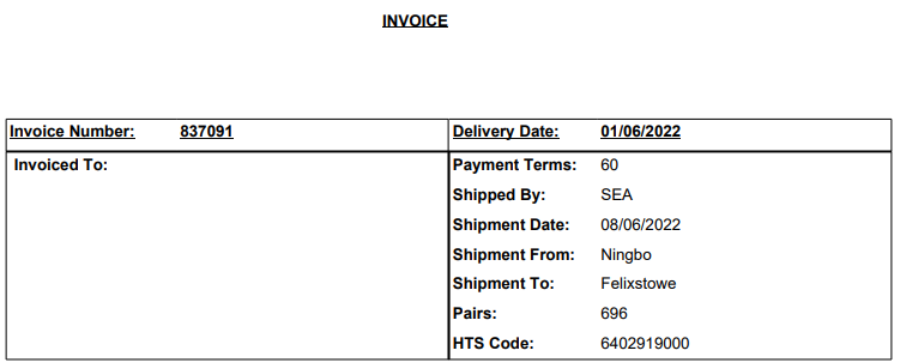
Solution:
One of the things that can cause this to happen is if there is no Delivery Contact address set up for that specific customer.
For example, if we have a Delivery Contact as listed below on an order where the customer is Schuh Kids USD:
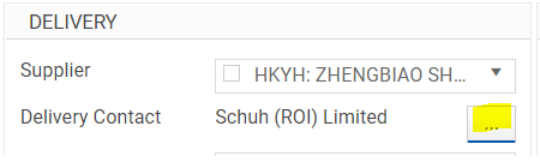
We then need to go into the Contacts for that Customer to see what it says against them: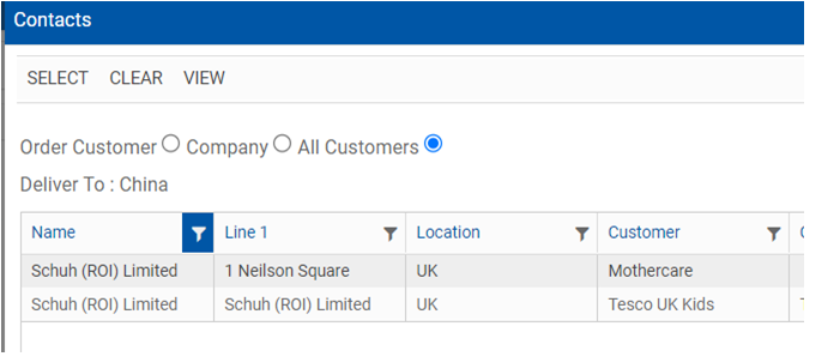
What we can see in the above screenshot for this example is that the All Customers option has been selected and not the Order Customer option.
The customer for this order (as mentioned at the start) is Schuh Kids USD, we can see here there are no Contact options against Schuh (ROI) Limited for this customer: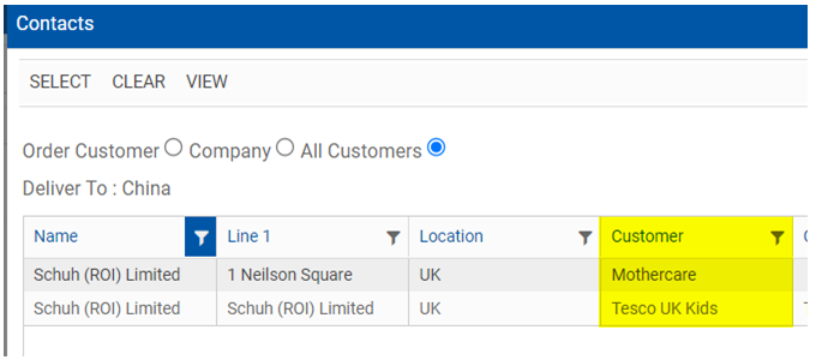
You can only select a Delivery Contact that Exists for the Customer that is on the Purchase Order, which in this instance is Schuh Kids USD:
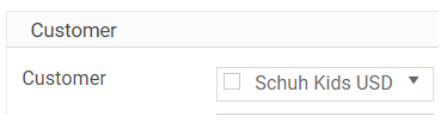
The Contacts that exist against this customer in this example are: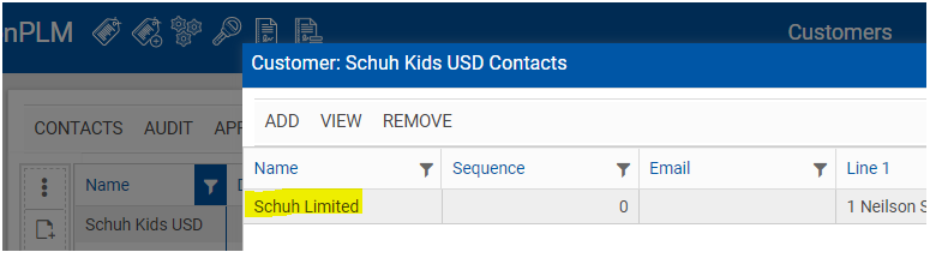
So what would need to happen here is that a Contact with a name that matches Schuh (ROI) Limited would need to be added, once this has been added and selected, the invoice address will then populate.