
Article Public Number: KA-01346
Coats Digital Knowledge Article
Product: VisionPLM
Purpose & Scope:
This article will troubleshoot some issues that may cause a layout to look different for different users that have the same permissions.
Solution:
In this example, we can see that for one user the below Purchase order looks as shown: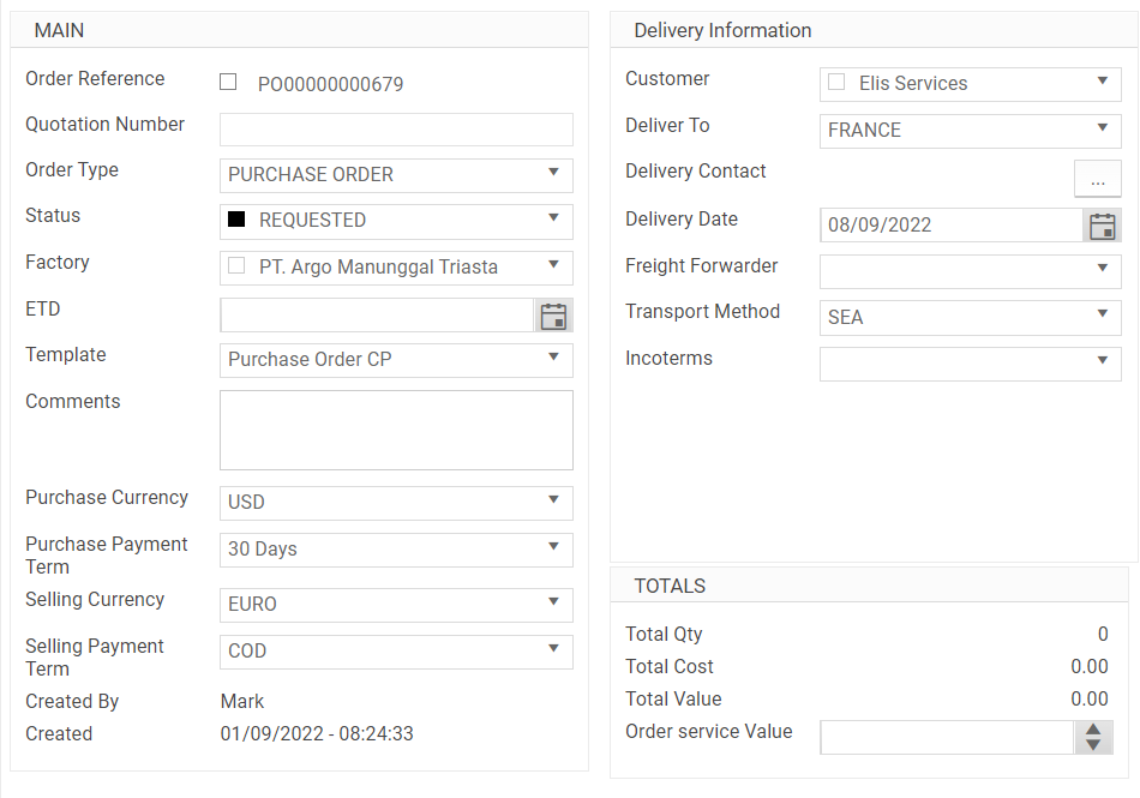
However, for another user that we have set up with the same permissions as the above user the same purchase order looks like the below: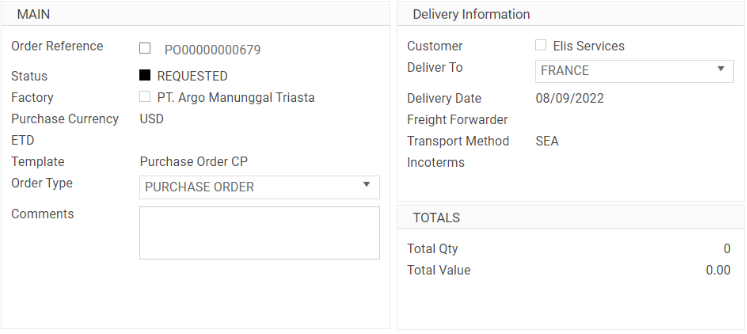
We can see that this user does not have the same ability to edit different fields on the same Purchase Order despite the permissions being the same.
However, if we check the layout of this user we can see that it is set to the below: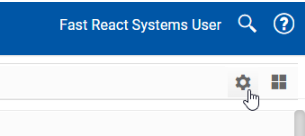
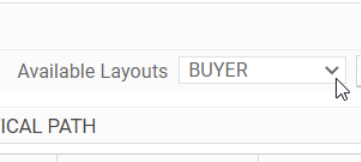
Now, if we compare this to the first User we can see that their layout is as below: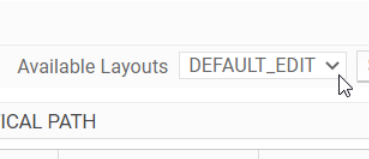
We can see that this is the difference as different layouts will mean the user either can or can't edit different fields.
The users are simply looking at different layouts of the PO Form. The solution here would be to have User 2 look at the same Layout as User 1.