Article Public Number: KA-01091
Coats Digital Knowledge Article
Product: VisionPLM
Solution:
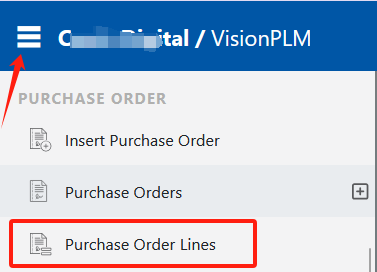
This is also referred to as Purchase Order Lines (PO Lines) and can be located in the “Hamburger Menu”:
Once entered, this will take you into the default Grid View which will display all created PO Lines in the VIsionPLM System: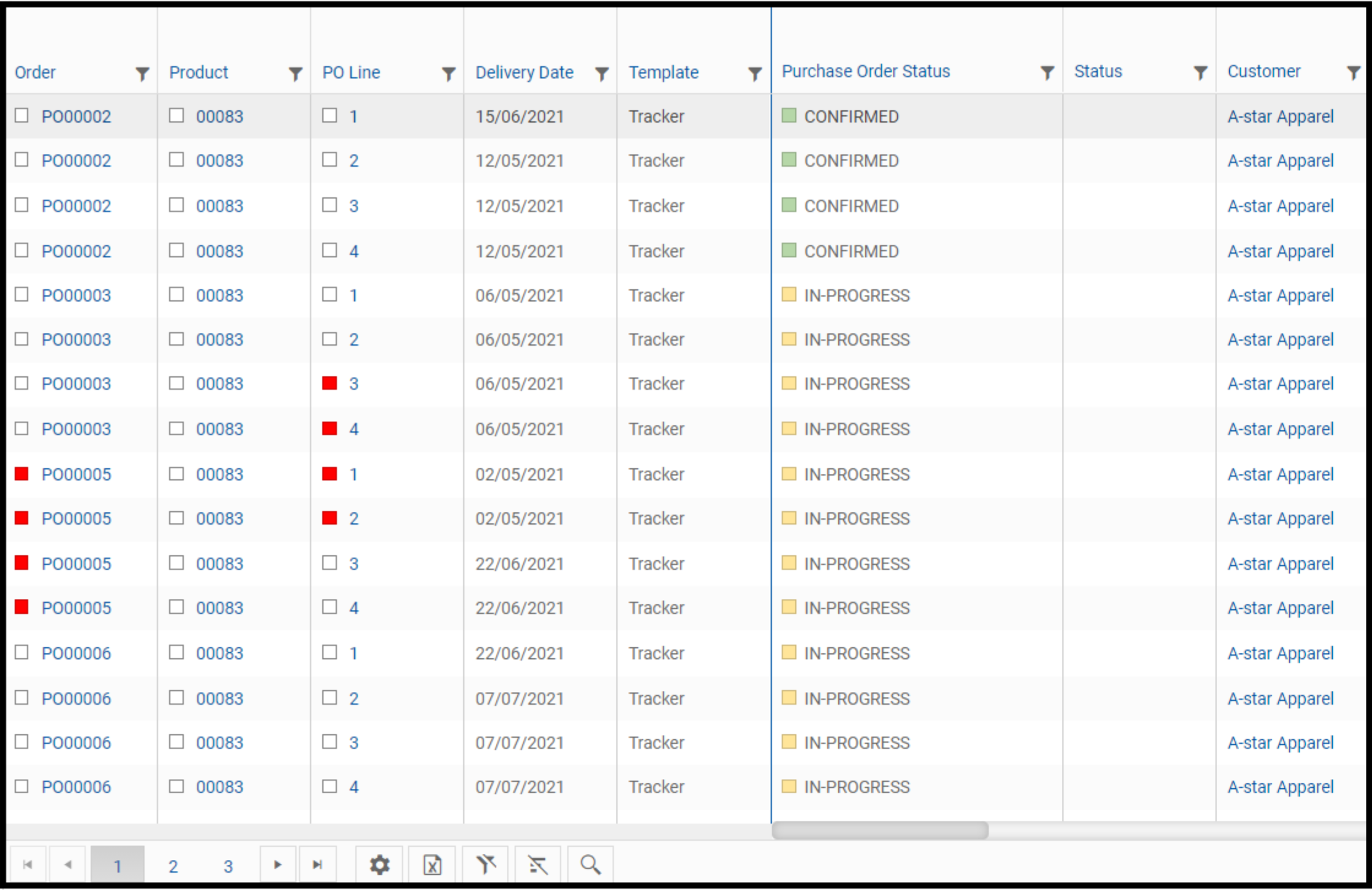
This view will display all information about the PO lines and you can scroll along at the bottom of the page to see more. If you wish to Edit, Copy, Save or Cancel (any changes made) to any of the PO lines then this is done with the functionality keys on the left hand side of the screen: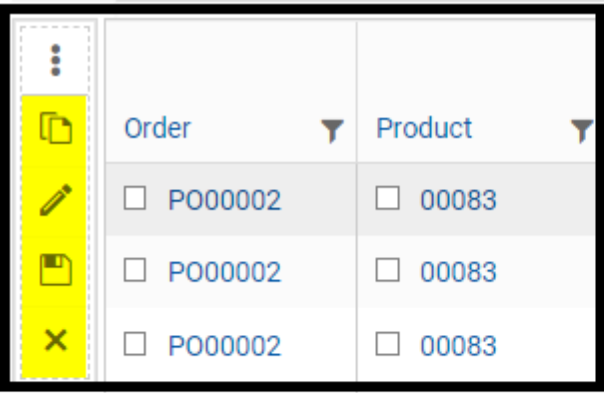
In this view, you can also use the standard functions at the bottom of the page for filtering, searching and more:
If we change the view by using the clipboard function at the top then it will provide the details from the PO line that we have selected in an easier to read view:
The top section of this view will provide the same details as if we were in a general PO but for the PO Line itself:
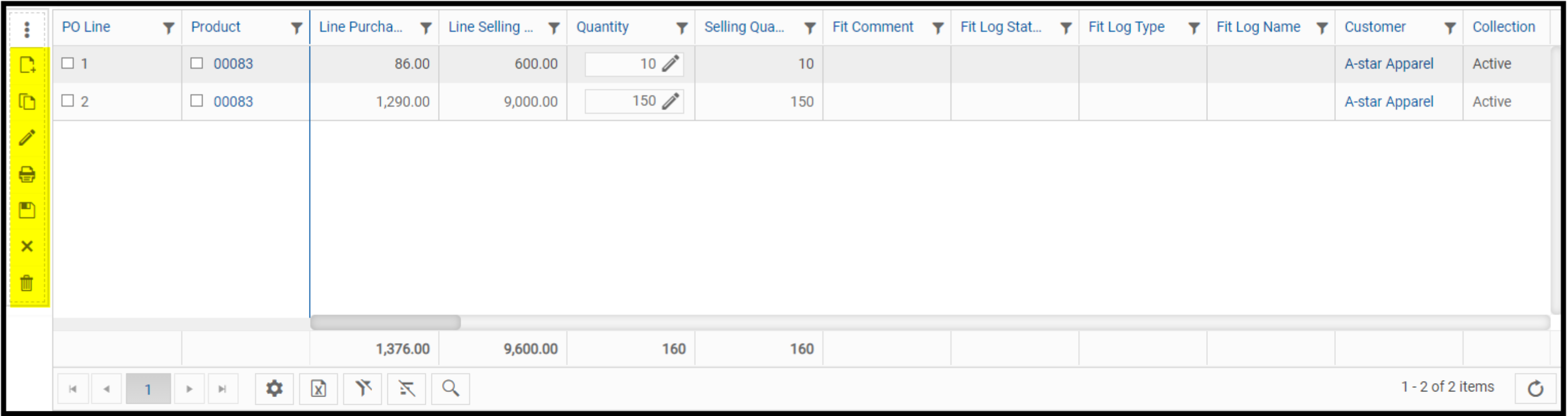
The bottom section of this view will breakdown the rest of the PO information, we can use the function buttons on the left hand side to either Add, Copy, Edit, Save (any changes made), Cancel (any changes made), or Delete a PO Line: