
Article Public Number: KA-01127
Coats Digital Knowledge Article
Product: VisionPLM
Purpose & Scope:
This article will guide you through how to remove an incorrect/ unused email address from the reports area of VisionPLM
Instructions:
From the REPORT drop-down at the top of the VisionPLM page, select EMAIL: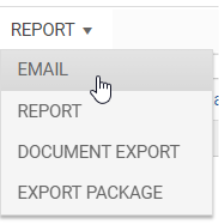
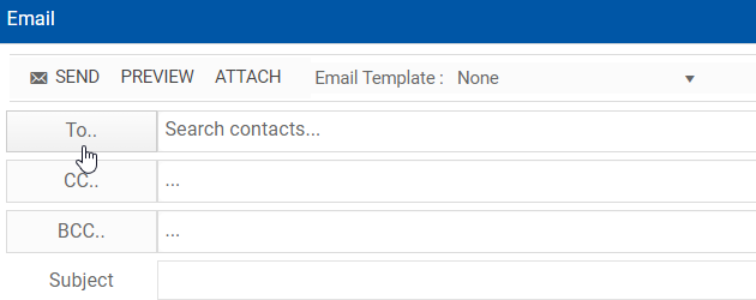
From here we can then click into the 'To' option to access the email addresses that the email can be sent to:
The next step is to highlight the email that we are removing: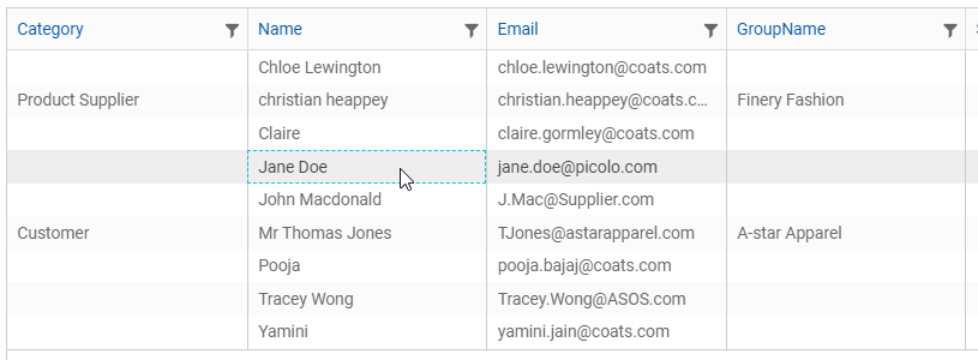
From here we then select REMOVE CONTACT from the top toolbar: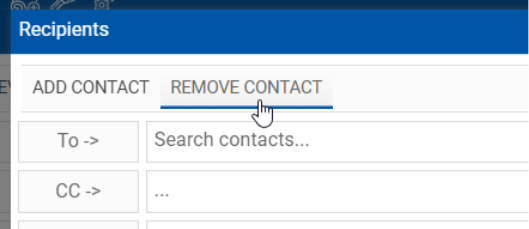
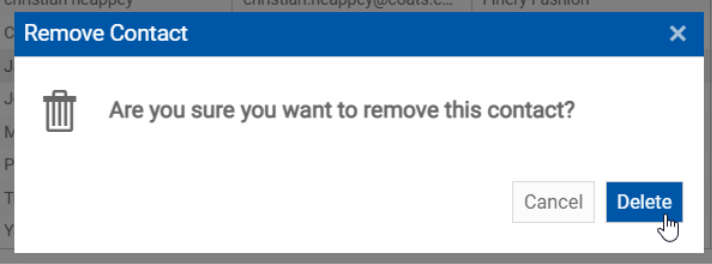
This email will now no longer appear in this list: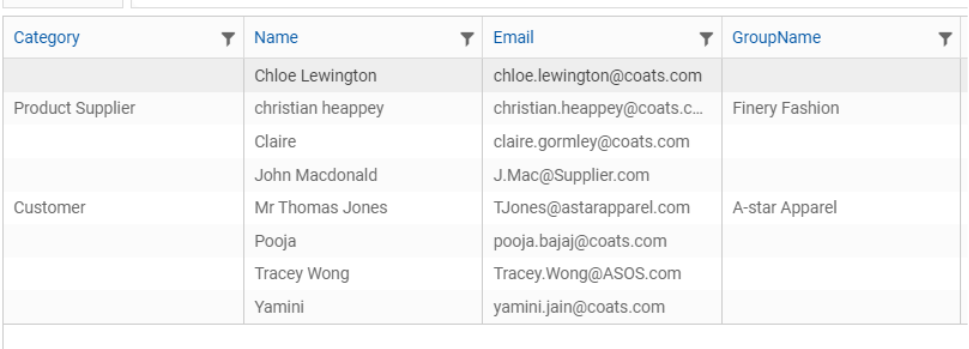
PLEASE NOTE:
This can only be done by Users with the correct permissions, and also if that email is not currently being used within the system.