Article Public Number: KA-01239
Coats Digital Knowledge Article
Product: VisionPLM
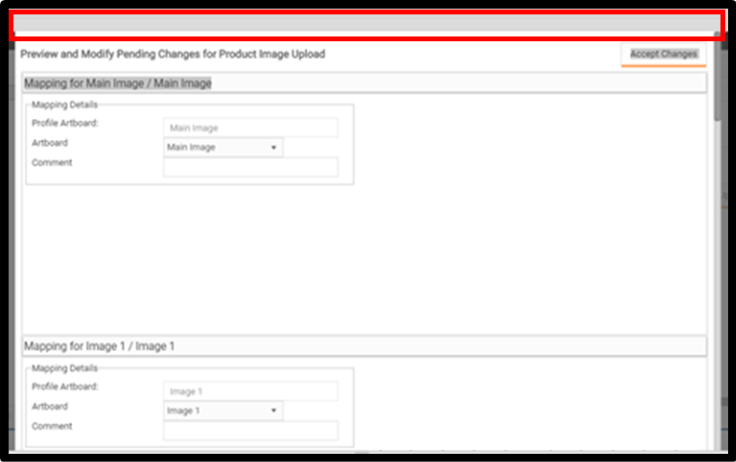
If the top portion of the Ai Pugin is cut off like in the below screenshot there is a possible fix to try. Hold down the Windows Key + Ctrl + Shift all at the same then press B and you will see that your screen goes black which will then be followed by a quick beep and then everything will go back to normal right after that.