Use the Make Up Method tab to review how each section of a product is made, along with any relevant size information and uploaded images.
Access the Make Up Method tab- Open Product Manager.
- Select the product you want to review.
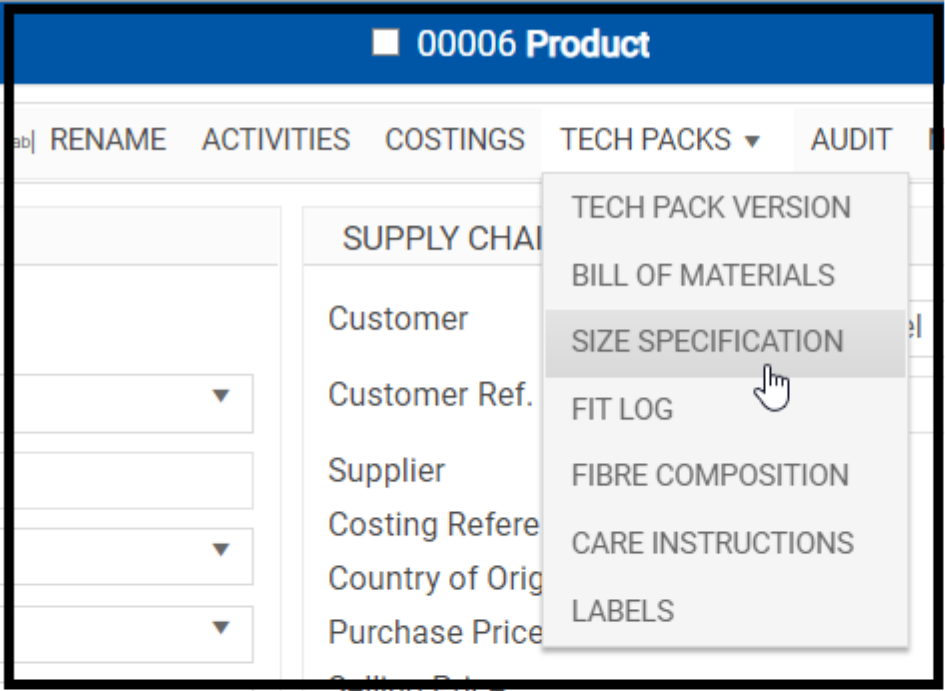
- Go to Tech Packs > Size Specification.
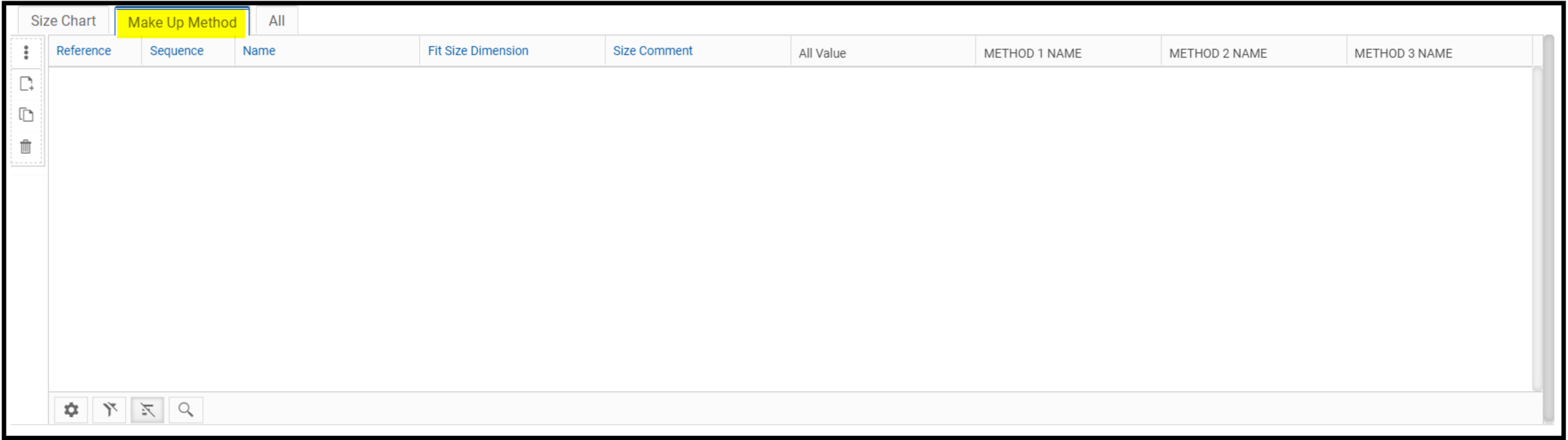
- Select the Make Up Method tab at the top of the page.
Review the make-up details
The tab displays the following information:
- Name: The name of each section that makes up the selected product.
- Makeup Method 1: Details of how each section is made.
- Size information: Sizes associated with the product, where relevant.
View make-up method images
If images have been uploaded, their thumbnails appear at the bottom of the page. Click a thumbnail to expand the image and view it in more detail.