Article Public Number: KA-01367
Coats Digital Knowledge Article
Product: VisionPLM
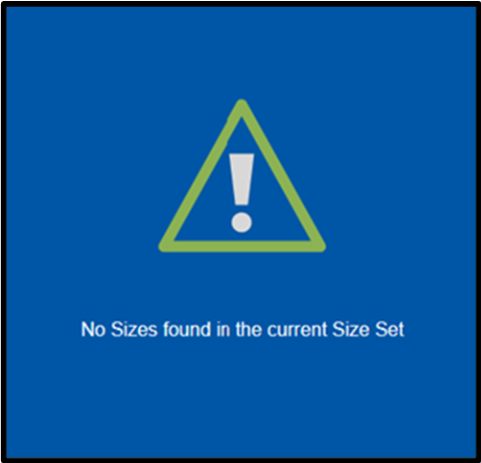
If you receive the below warning saying No sizes found in the current Size Set when in Size Specification means that the Size Set against the Product has no Sizes.
STEPS:
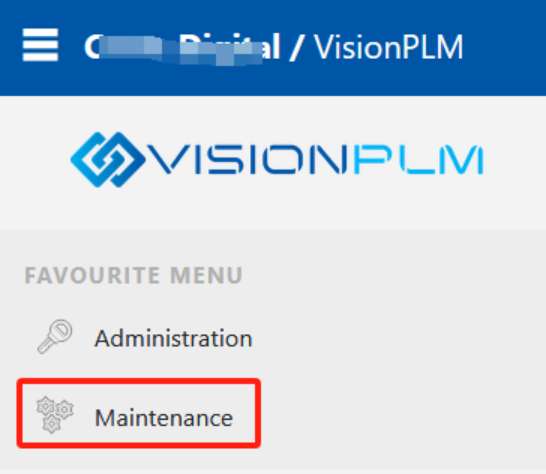
- Go to Maintenance > Product Sizes in Sets.
- In the top right dropdown select the Size Set that is against the Product.
- If the Size Set has no sizes start adding sizes and as soon as you've done this.
- Go back to the Size Specification (might have to refresh screen) and you'll no longer receive the warning.